
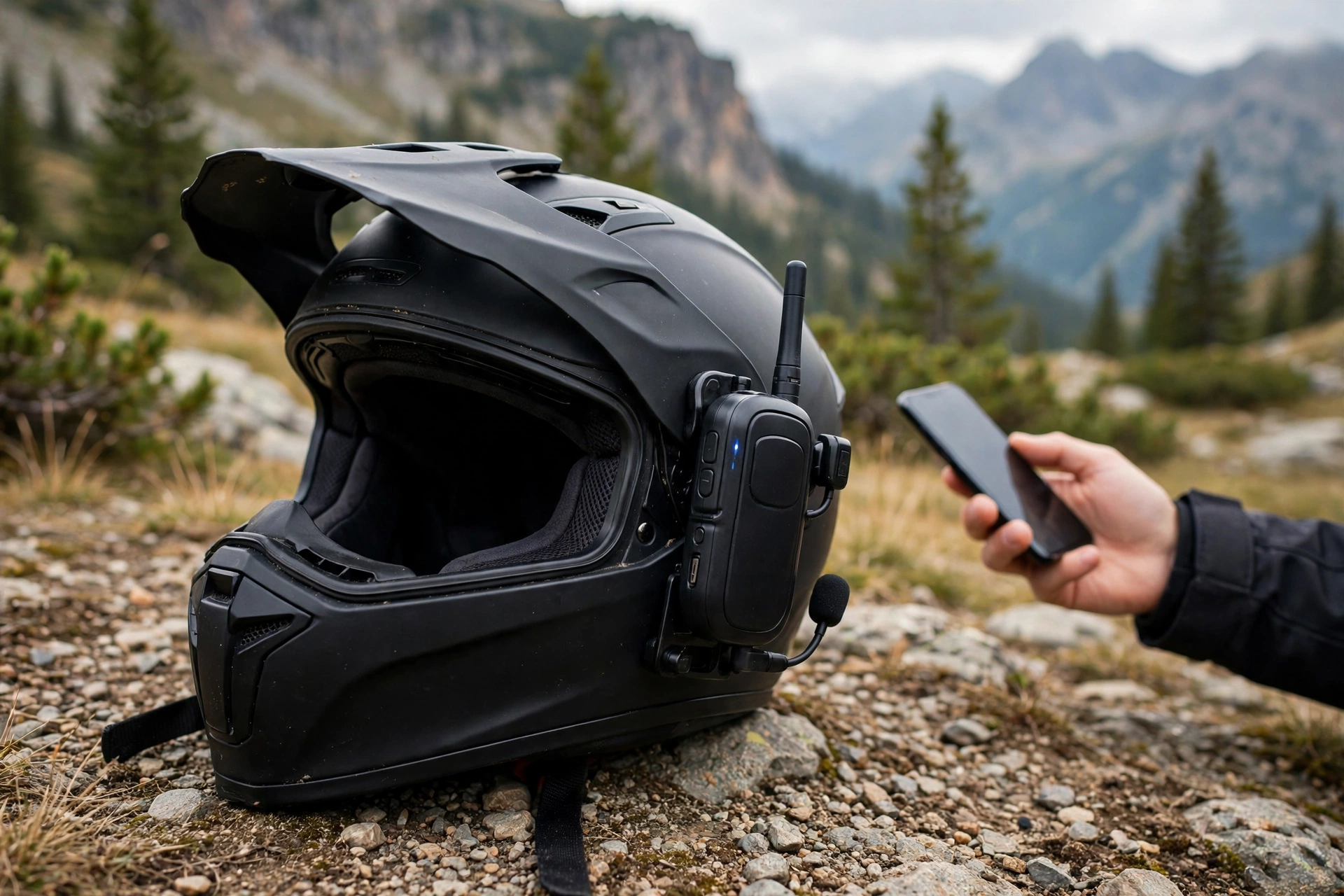
In general terms, pairing a helmet intercom with a phone is a simple Bluetooth process: put the intercom into pairing mode, find it in your phone’s Bluetooth settings, tap to connect, and you are ready for calls, music, and navigation prompts through your helmet. Most problems come from skipping a step or pairing in the wrong order, not from the technology itself.
Helmet intercoms have become standard kit for many motorcyclists, and they are increasingly common for cyclists and other riders too. They let you take calls hands-free, hear navigation directions, and listen to music without earbuds under a helmet. But the first pairing can be confusing, because every maker uses slightly different buttons, lights, and voice prompts.
What Do You Need to Pair a Helmet Intercom?
You need a charged intercom, a phone with Bluetooth switched on, and a few minutes of patience. Charge the intercom first — a low battery during pairing can cause the connection to drop or the intercom to switch off mid-process. Make sure the intercom is mounted in the helmet or at least close to the phone.
Know your intercom’s pairing button and signals before you start. Most intercoms enter pairing mode by holding one button for several seconds, and they signal pairing mode with a flashing light, a voice prompt, or both. Check the manual for your exact model, since guessing the button combination wastes time and can trigger other functions, like a factory reset, by accident.
Clear old pairings if the intercom has been used before. An intercom that remembers several old phones may connect to a previous phone automatically instead of entering pairing mode. If you bought the intercom second-hand, or you are switching phones, clearing old pairings first avoids a frustrating round of failed connections.
How Do You Pair a Helmet Intercom With a Phone?
Start with the intercom switched off. Then hold the pairing button until the intercom signals pairing mode — usually a rapidly flashing light or a spoken prompt. The intercom is now discoverable, which means your phone can see it. This step is the one most people rush, so hold the button until you are sure pairing mode is active.
On your phone, open Bluetooth settings and look for the intercom’s name in the list of available devices. It usually appears as the brand or model name, sometimes with a number. Tap it, and confirm any pairing prompt that appears. Some intercoms ask for a PIN — the usual default is a simple code given in the manual — and some pair without one.
Wait for confirmation. The intercom usually announces a successful connection, and the phone shows it as connected. Test it straight away: play a short piece of music or make a test call. If you can hear audio in the helmet speakers, the pairing worked. If not, you have caught the problem at home rather than on the road.
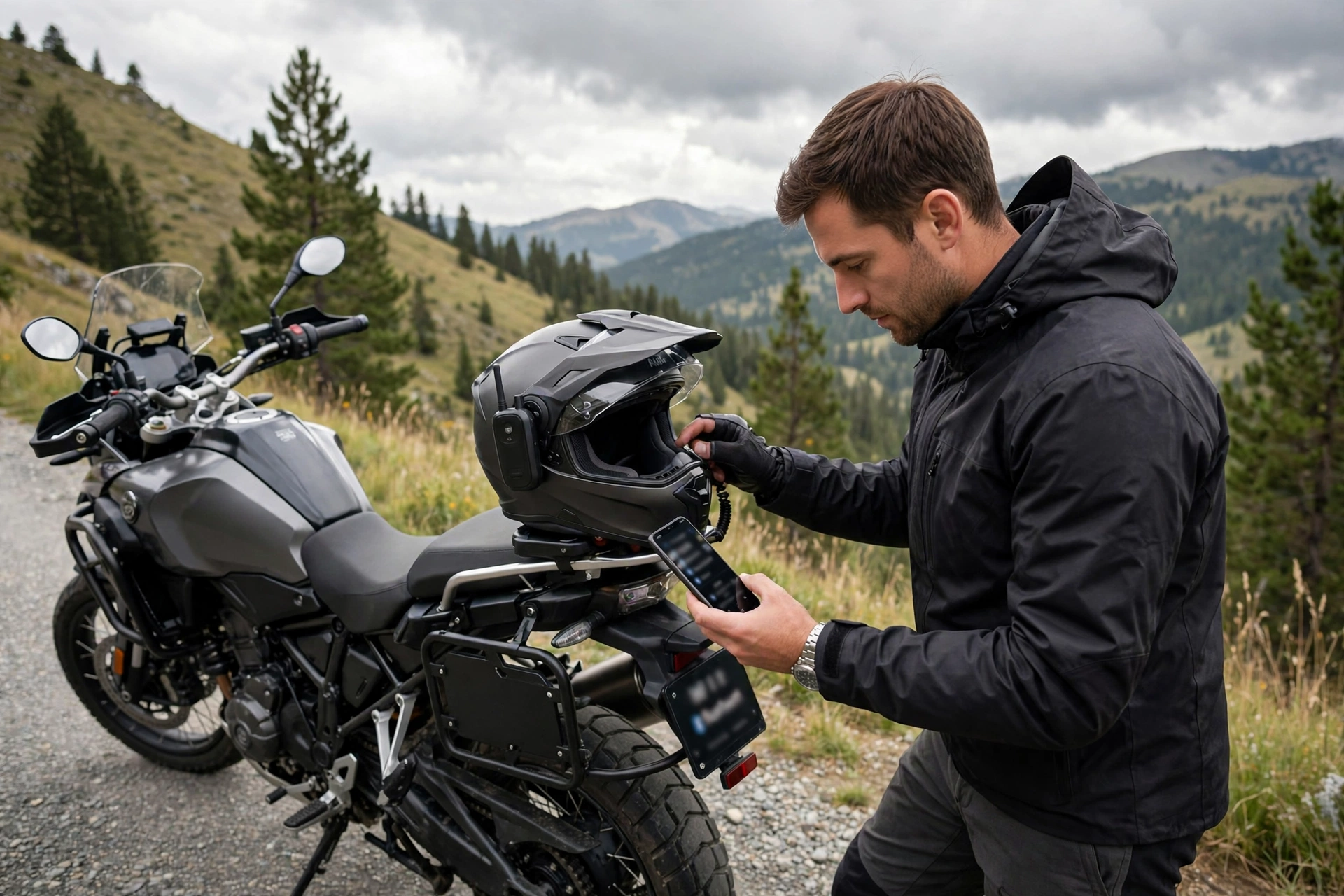
What If the Phone Cannot Find the Intercom?
First, confirm the intercom is actually in pairing mode. A single flashing light may mean it is on but not discoverable; pairing mode usually flashes faster or in a different pattern. Turn the intercom off and re-enter pairing mode, holding the button for the full time the manual specifies.
Next, check the phone side. Turn Bluetooth off and on again, and make sure the phone is not already connected to another audio device, like a car system or wireless earbuds, which can block a new connection. Move the phone close to the intercom, since distance and interference — especially from other Bluetooth devices — can prevent discovery.
If the phone still cannot find the intercom, try forgetting the device on the phone and clearing pairings on the intercom, then start fresh. If that fails, restart the phone, which clears temporary Bluetooth glitches. Persistent failure after all of this may point to a faulty intercom or a compatibility problem, and the maker’s support pages for your exact model are the next stop.
How Do You Manage Calls and Music After Pairing?
Learn the basic controls before you ride. Most intercoms use one button for answering and ending calls, and another combination for volume, track changes, and voice assistant activation. Practising these with gloves on, while stationary, is far better than fumbling at speed.
Set your phone’s audio sensibly. Turn on any do-not-disturb or riding mode you prefer, and decide whether navigation prompts should interrupt music or play over it. Some riders prefer prompts mixed quietly over music; others prefer music to pause. Sorting this out at home avoids distracting surprises on the road.
Keep volume at a level where you can still hear traffic, horns, and sirens. An intercom that drowns out the road is a hazard, not a convenience. Many intercoms offer automatic volume adjustment with speed, which helps keep audio audible without becoming overwhelming, but it is no substitute for your own judgement.
Can You Pair One Intercom With Two Phones?
In general terms, many modern intercoms support pairing with two phones, or with a phone plus another device like a GPS unit, but the details vary by model. Some handle two connections at once; others switch between paired devices but only connect to one at a time. Check your model’s specifications before assuming it works the way you want.
When dual pairing is supported, the setup usually involves pairing the first phone on one Bluetooth channel and the second on another, following a specific sequence in the manual. Getting the order wrong is a common cause of confusion, so follow the manual’s sequence rather than improvising.
Remember that the intercom is an addition to the helmet, not a replacement for its protection. However good the audio, the helmet still has to fit, be certified for your activity, and be in good condition — and its protection system includes features for angled impacts, as explained in this guide to what MIPS means for helmets. Pair the intercom, test it, and then ride with your attention on the road.
Frequently Asked Questions
Q: Why does my helmet intercom keep disconnecting from my phone?
A: Common causes are low battery, distance between phone and intercom, interference from other Bluetooth devices, and phone power-saving settings that suspend Bluetooth. Keep both charged, close together, and check your phone’s battery optimisation settings for the intercom app.
Q: Do I need to re-pair the intercom every time I ride?
A: In general terms, no — once paired, the phone and intercom should reconnect automatically when both are on and in range. If they do not, check that Bluetooth is on and that the intercom is not connecting to a different remembered device first.
Q: Can I pair a helmet intercom with an older phone?
A: Usually yes, provided the phone supports the Bluetooth version the intercom needs. Very old phones may lack features like high-quality audio profiles, but basic calls and music generally still work.

Olivia
Writer at Helmet Today, covering helmet reviews, fit and riding safety.