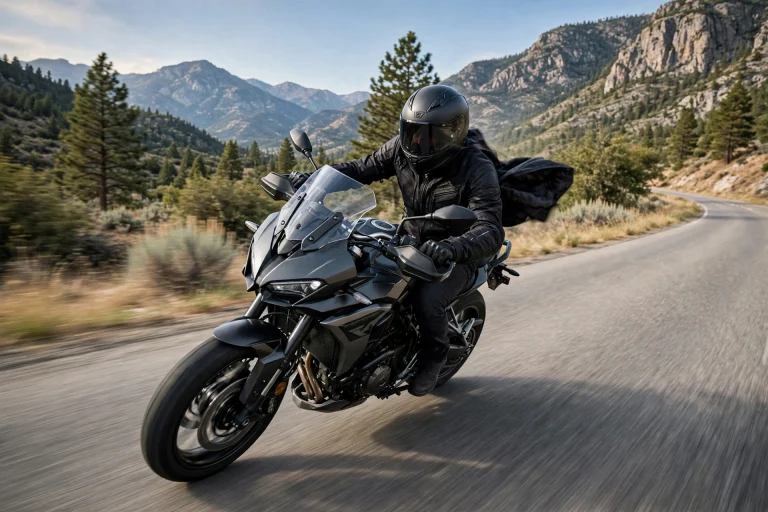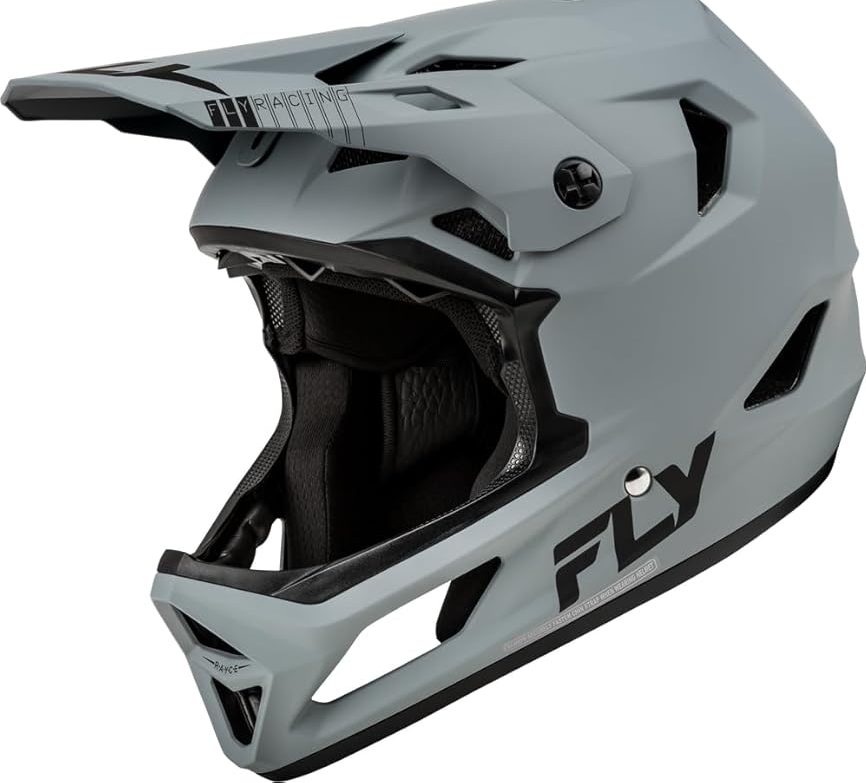

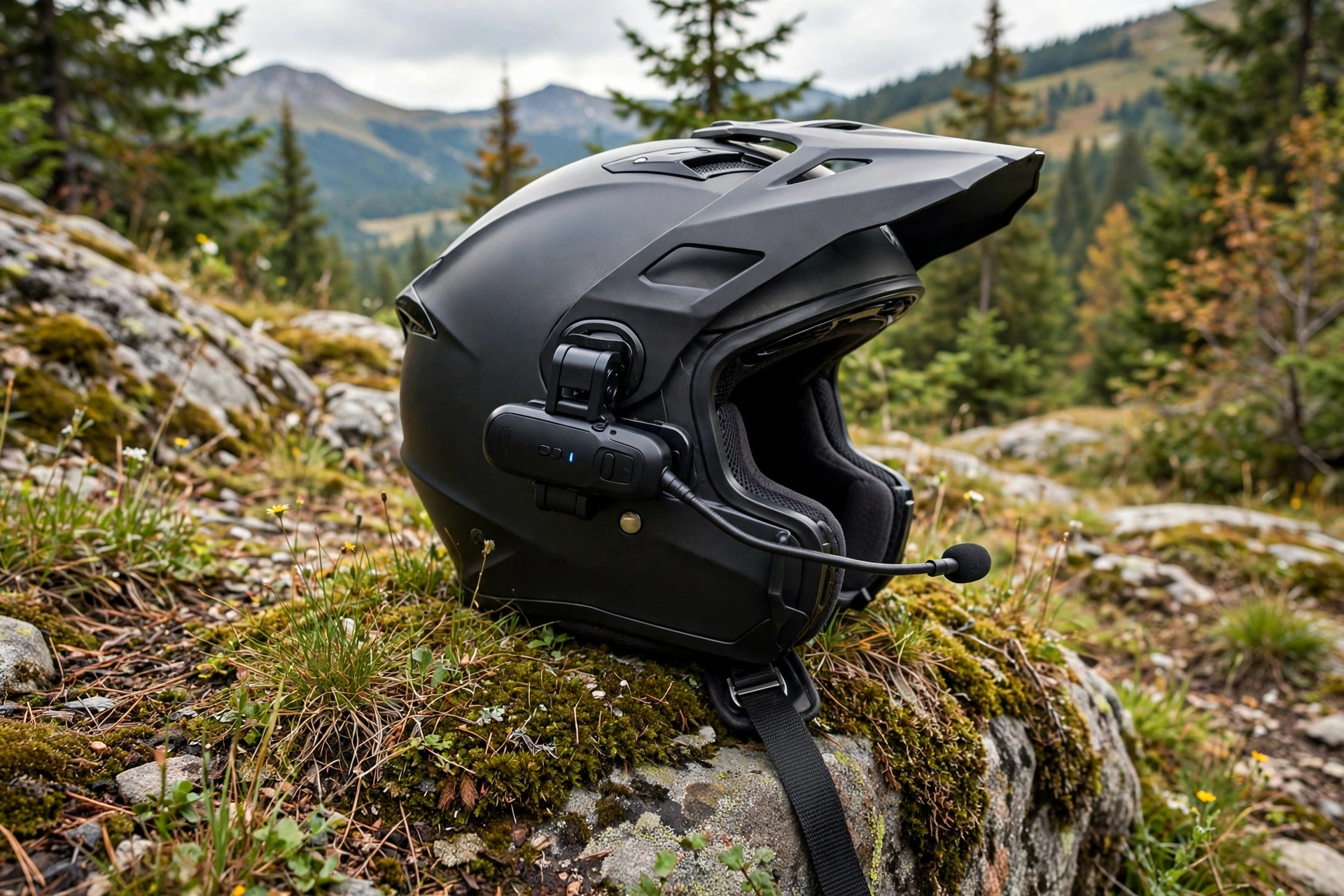
Installing a Bluetooth headset in a motorcycle helmet is a straightforward 20-to-30-minute job: fit the speakers into the helmet’s ear pockets, mount the control unit on the left side of the shell, route and hide the wires under the liner, and position the microphone in front of your mouth. No drilling, no cutting — everything attaches with clamps, adhesive pads, and hook-and-loop pads that come in the kit.
A good install is invisible, comfortable, and quiet. A bad one presses speakers into your ears, leaves wires dangling, and puts the microphone where it only picks up wind. The difference is a few minutes of care with placement and routing. Work through the steps below in order and test the fit before you button everything up.
What Should You Do Before Installing the Headset?
Charge the unit fully first, and lay out every part: main unit, speakers, microphone, clamp or adhesive mount, speaker pads, and cables. Read the kit’s instructions once through, because speaker connectors and mounting styles differ between brands. Then check your helmet for speaker pockets. Most modern mid-range and premium helmets have recessed ear pockets behind the cheek pads, often covered by a thin fabric flap — those pockets exist precisely for headset speakers.
Remove the cheek pads and, if your helmet allows it, the crown liner, following the helmet manual’s directions. This gives you access for routing wires so they end up hidden under the padding rather than against your head. Work on a soft towel so the shell does not get scratched, and keep the removed pads in order so reassembly is obvious.
One absolute rule before you start: never drill, cut, or screw into the shell or the EPS foam to mount anything. The foam is the protective structure. Every legitimate headset kit mounts without modifying the helmet, and if a mounting idea requires a hole, abandon that idea.
Where Do the Speakers Go in the Helmet?
Speakers belong in the ear pockets, centered exactly over your ear canals. This alignment matters more than volume: a speaker even slightly off-center sounds muffled and tempts you to crank the volume to compensate. Put the helmet on, note where your ears sit relative to the pockets, and place the speakers there using the adhesive hook-and-loop pads in the kit.
Depth matters too. Speakers should sit flush in the pocket without pressing on your ears when the cheek pads go back in. If they press, use the thinner spacer pads, or recess them fully behind the pocket’s fabric cover if the helmet provides one. Wear the helmet for a few minutes before final assembly — a pressure point that is mild at minute two becomes painful at hour two.
Some safety systems add a detail here: helmets with rotational-impact liners should keep their sliding layer free to move, which is one reason speakers belong only in the designated pockets and never glued against the EPS — the same design philosophy explained in our guide to what MIPS is for helmets.
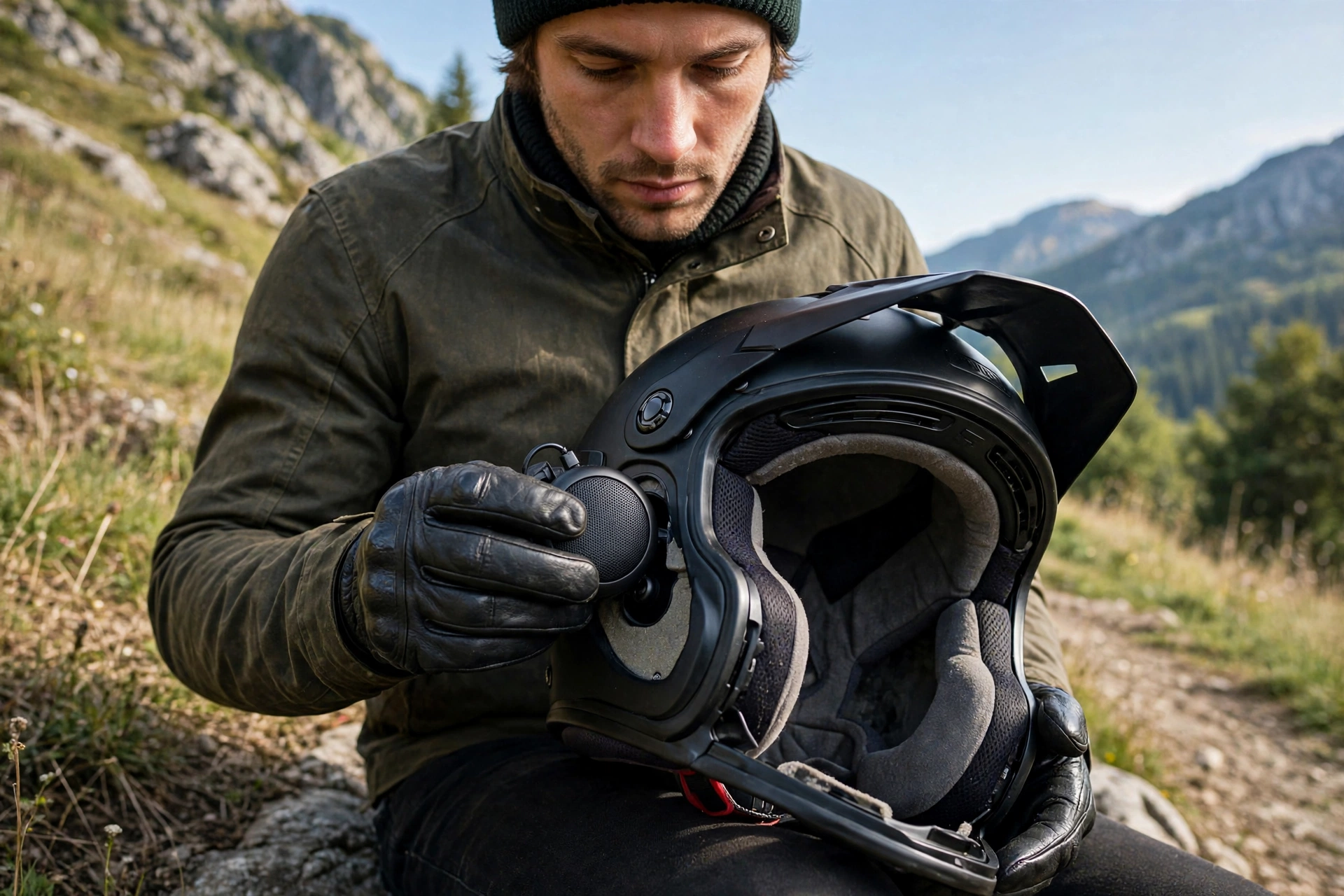
How Do You Mount the Main Unit and Route the Wires?
The main unit mounts on the lower left edge of the shell, reachable by your left hand while your right stays on the throttle. Most kits offer two options: a clamp that slides between the shell and the liner and tightens on the shell edge, or an adhesive mount stuck to the shell surface. The clamp is cleaner and removable; the adhesive plate works on helmets whose edge shape will not accept a clamp. Either is fine when fitted per the instructions — choose based on your helmet’s edge, not habit.
Route the speaker wires from the unit, under the liner and neck roll, to each ear pocket. The wire to the far (right) speaker crosses behind the crown liner. Tuck every wire fully under padding so nothing touches your head or snags when you pull the helmet on. Leave no loops hanging below the bottom edge, and avoid pinching wires under the clamp or in the visor mechanism.
Reinstall the cheek pads and liner over the wires, checking that pad snaps and posts seat fully. A pad that will not seat usually means a wire is crossing its mounting point — reroute rather than force it.
Boom Microphone or Wired Microphone: Which Do You Need?
Match the microphone to your helmet type. A boom microphone suits open-face and modular helmets: it mounts near the left cheek and bends so the tip sits just in front of your mouth, and it can swing with a modular chin bar. A small wired microphone suits full-face helmets: it sticks with a hook-and-loop pad to the inside of the chin bar, directly in front of your mouth.
Position is everything for call and intercom quality. The mic should sit close to your lips — roughly a finger’s width away — and centered, not off at the corner of your mouth. Too far forward inside a full-face chin bar and it picks up breath noise; too far back on a boom and your voice sounds distant. Make a test call or intercom check while stationary and adjust before your first ride.
How Do You Test the Install and Set Safe Volume Levels?
Pair the unit with your phone, play music, and take a short test ride at your normal speeds. Wind noise rises sharply with speed, so set volume at realistic riding conditions rather than in a quiet garage. Most headsets offer automatic volume adjustment — enable it if available — and set alerts and navigation prompts slightly above music level so they cut through.
Protect your hearing while you do this. If you need maximum volume to hear over wind at highway speed, the better fix is usually better speaker alignment, a quieter helmet fit, or earplugs designed for riders, not more volume. Prolonged maximum volume in a helmet can damage hearing just as it does with earbuds.
Finally, know the rules where you ride. Laws on helmet speakers and audio devices vary by state and country — some places restrict one-ear versus two-ear audio, and phone use rules may apply. Check your local regulations, keep controls simple enough to use without looking down, and let calls wait when traffic gets busy.
Frequently Asked Questions
Will a Bluetooth headset fit any motorcycle helmet?
Almost any modern helmet with ear pockets or space behind the cheek pads works. Very tight race helmets without speaker pockets can be a squeeze, so check pocket depth before buying the headset.
Can installing a headset damage my helmet?
Not when done correctly. Use only the clamp, adhesive, and hook-and-loop mounts in the kit, and never drill or cut the shell or EPS foam.
Why does my headset sound muffled after installing it?
The speakers are almost certainly off-center from your ear canals or buried too deep under padding. Reposition them directly over your ears and the clarity — and usable volume — improves immediately.

Olivia
Writer at Helmet Today, covering helmet reviews, fit and riding safety.