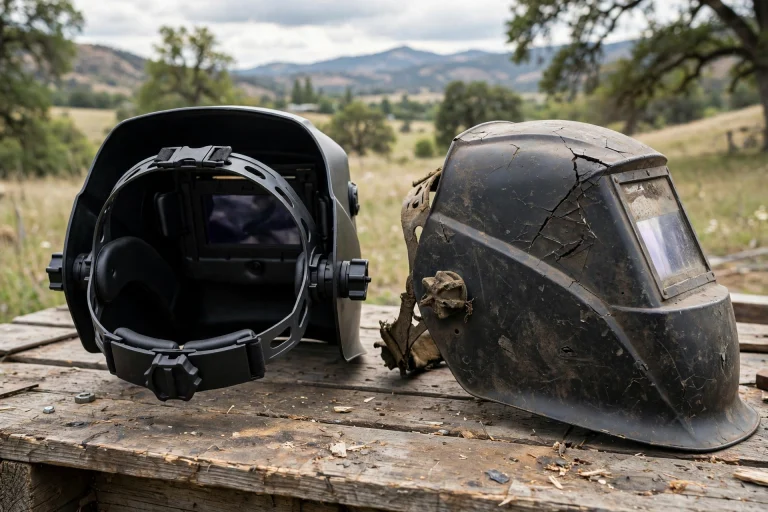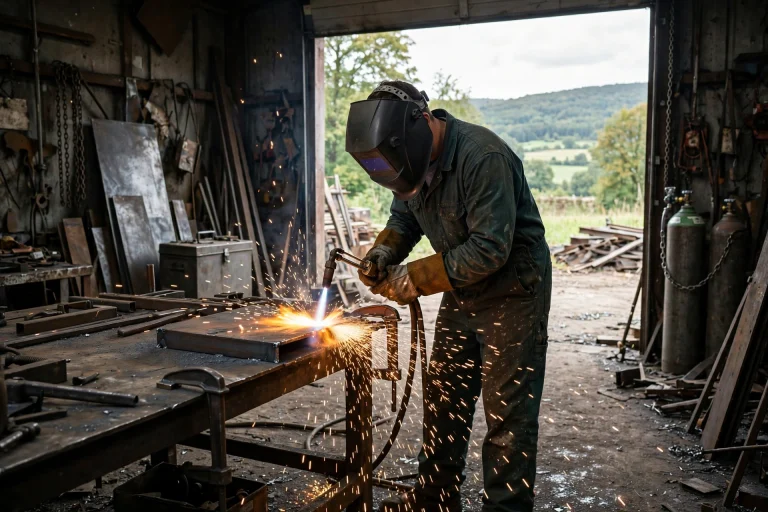

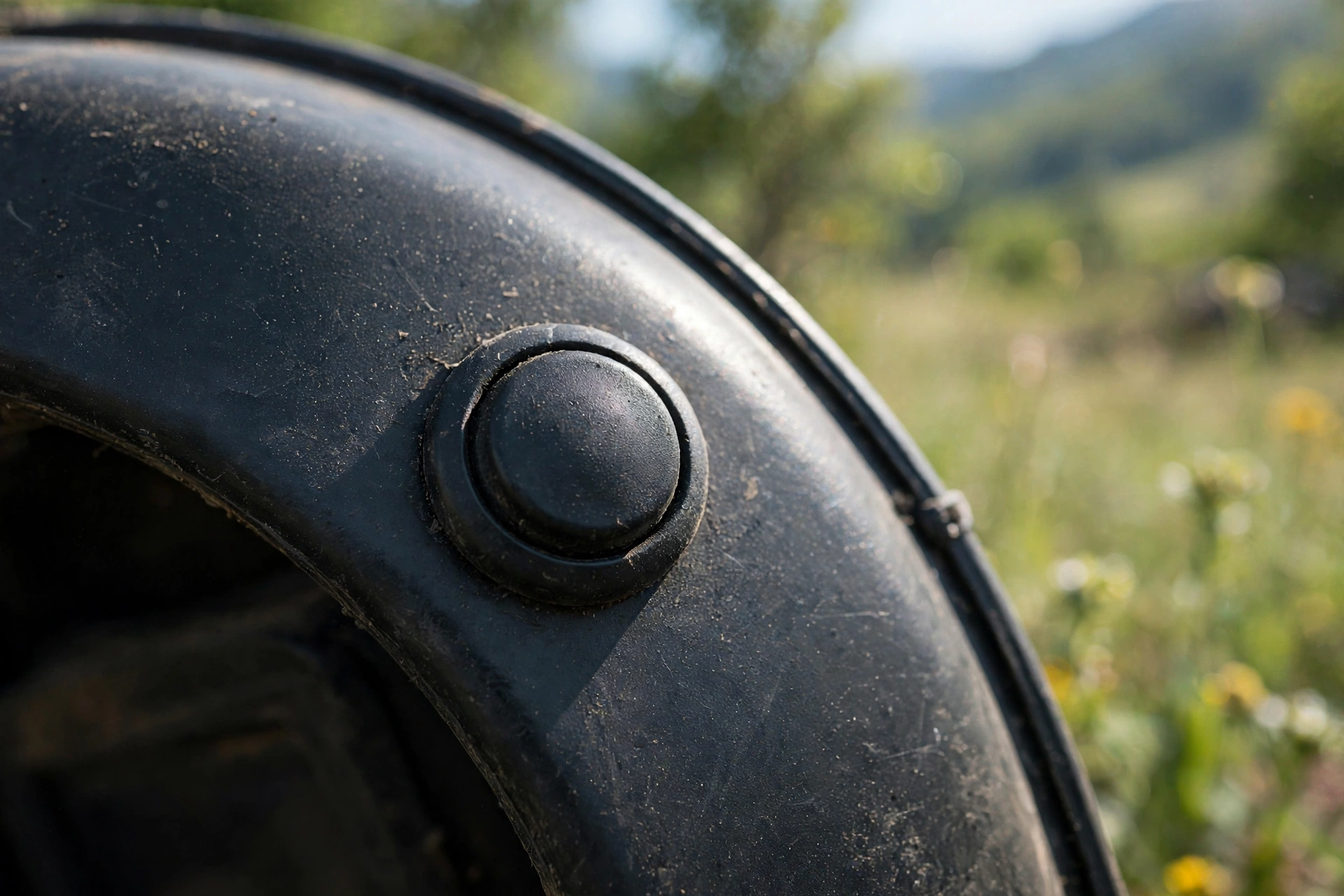
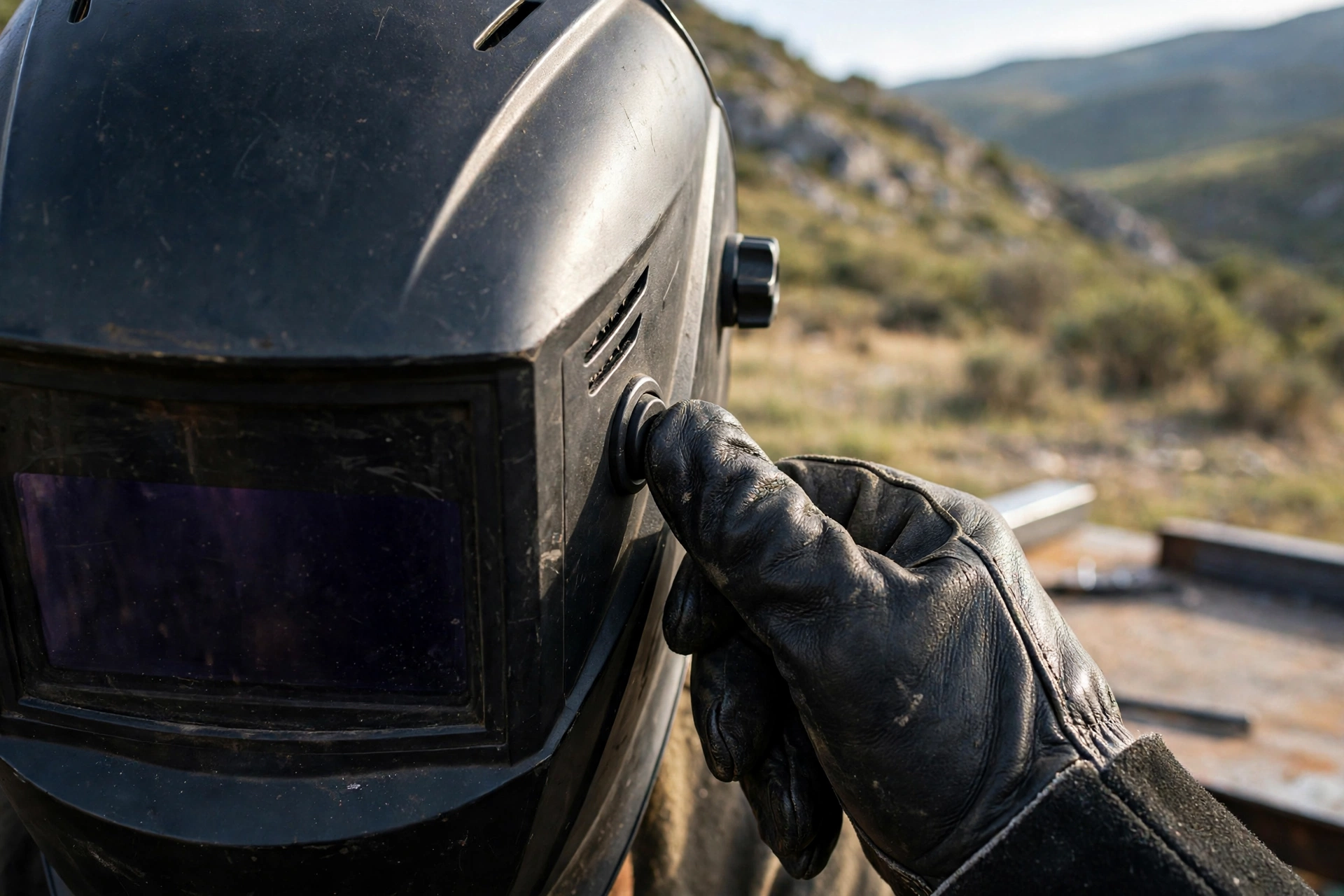
An external grind button is a control on the outside of the helmet shell that switches the lens to grind mode without lifting the helmet or taking off a glove. It turns the constant weld, lift, grind, lower routine into one button press, and for repetitive fabrication work that saves real time.
Grind mode itself is simple: it holds the auto-darkening filter at its light shade so the helmet works as a face shield while you grind, cut, or clean a joint. The problem has always been the controls, which traditionally sit inside the helmet — meaning every mode change costs you a lifted helmet, a removed glove, or both. The external button exists to remove that friction.
What Does Grind Mode Actually Do?
An auto-darkening filter normally sits light, watches for an arc through its sensors, and darkens when one appears. Grind mode switches that watching off: the lens stays at its light shade no matter what the sensors see, so sparks and bright grinding light do not keep triggering it.
That gives you proper face and eye protection for grinding while keeping the helmet on, which matters more than convenience alone. Welders without an easy grind mode are tempted to flip the helmet up and grind with just safety glasses — or worse, squint — and grinding injuries are among the most common shop eye injuries for exactly that reason. In general terms, any feature that keeps the helmet down is a safety feature.
How Is an External Button Different From an Internal Switch?
On many helmets, grind mode is selected with the same internal knob that sets shade or sensitivity. That works, but it means breaking position: stop, lift the helmet or reach inside with a bare hand, turn the control, and start again. Do that dozens of times across a repetitive job and the temptation to skip the helmet grows.
An external button — usually on the side or top of the shell, placed to be found by feel — does the same job in about a second, with gloves on and the helmet down. Some designs press once for grind mode and press again to return to weld mode; others combine the button with a lens test function, so one control checks the filter and switches modes. In general terms, the button changes nothing about the filter itself — it is purely about how fast and safely you can move between tasks.
Who Benefits Most From an External Grind Button?
Anyone whose work alternates in short bursts: tack, grind, check, weld, grind again. Fabricators fitting parts, automotive welders cleaning panel edges between passes, and production welders dressing welds all fit that pattern. For them, the button removes the biggest excuse for flipping the helmet up.
It is also a genuine help in awkward positions. Under a vehicle or inside a structure, lifting a helmet may mean letting go of a workpiece or losing your position entirely. Switching modes by feel, one-handed, keeps your other hand where it was. If your work is one long weld followed by one long grind, the benefit is smaller — the button earns its keep through repetition.
Placement decides how useful the button really is. A button on the side of the shell near your dominant hand is easy to reach without thinking, but it can also be brushed when you lean the helmet against a post or set it down carelessly — which is one more route into welding in the wrong mode. Buttons set into a slightly recessed or guarded position, or placed on top of the shell, are harder to trigger by accident but a fraction slower to find. Neither layout is wrong; the right choice depends on whether your bigger enemy is wasted seconds or accidental presses. Whichever you pick, spend the first session deliberately practising the press until your thumb finds it without your eyes leaving the joint.
What Is the Big Risk With Grind Mode?
Forgetting. A helmet left in grind mode will not darken when you strike an arc, and the easier the mode is to enter, the easier it is to lose track of which mode you are in. Every grind-mode user eventually has a story about the flash that taught them the lesson.
Build defences against it. Many helmets show an indicator light or flash a warning inside the lens when grind mode is active — check whether yours does, and learn what it looks like. Make switching back to weld mode part of the same motion as picking up the torch or gun, not a separate step you might skip. And if your button doubles as a test, use it: a deliberate press-and-check before the first arc of each session confirms both the filter and your own memory.
What Should You Check Before Buying One?
Find the button by feel in the shop, with gloves on. It should be reachable with either hand if possible, firm enough not to be knocked accidentally, but not so stiff you have to fight it. Check whether the helmet signals its mode clearly, and whether the button also triggers a lens self-test.
Otherwise, judge it like any welding helmet: sensor count, shade range, and headgear quality matter more than any single feature. The button is a workflow upgrade layered on top of a filter that still has to trigger reliably — the same principle as every other kind of head protection, where the basics of fit and sound construction come first, as this guide to MIPS and how protective helmets are built explains for riding helmets. A great button on a poor filter is still a poor helmet.
Frequently Asked Questions
Q: Does an external grind button change how the lens darkens?
A: No. It only switches the filter between weld mode and grind mode. The filter’s sensors, shade range, and switching behaviour are exactly the same as on a helmet with internal controls.
Q: How do I avoid welding in grind mode by accident?
A: Make switching back part of picking up the torch, every time, and learn your helmet’s mode indicator if it has one. If the button also runs a lens test, use that check before your first arc of a session.
Q: Is an external grind button worth it for occasional welding?
A: For occasional, single-task welds it is a convenience rather than a necessity. It earns its value on repetitive work where you alternate between welding and grinding many times in one session.

Olivia
Writer at Helmet Today, covering helmet reviews, fit and riding safety.