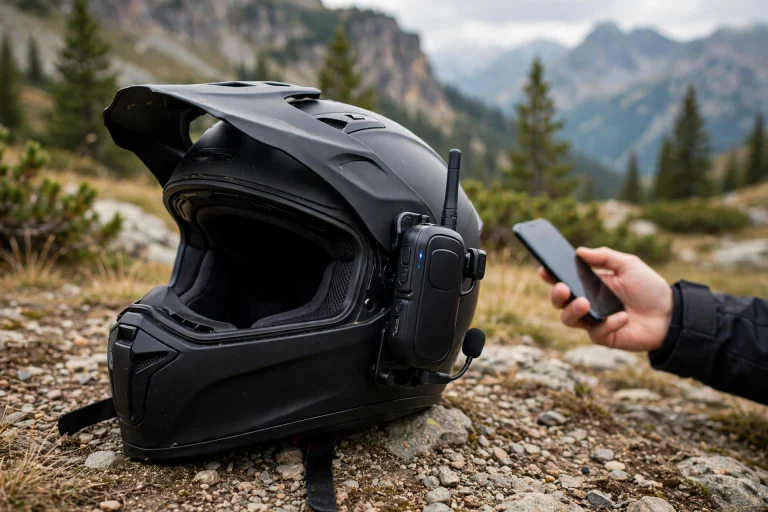

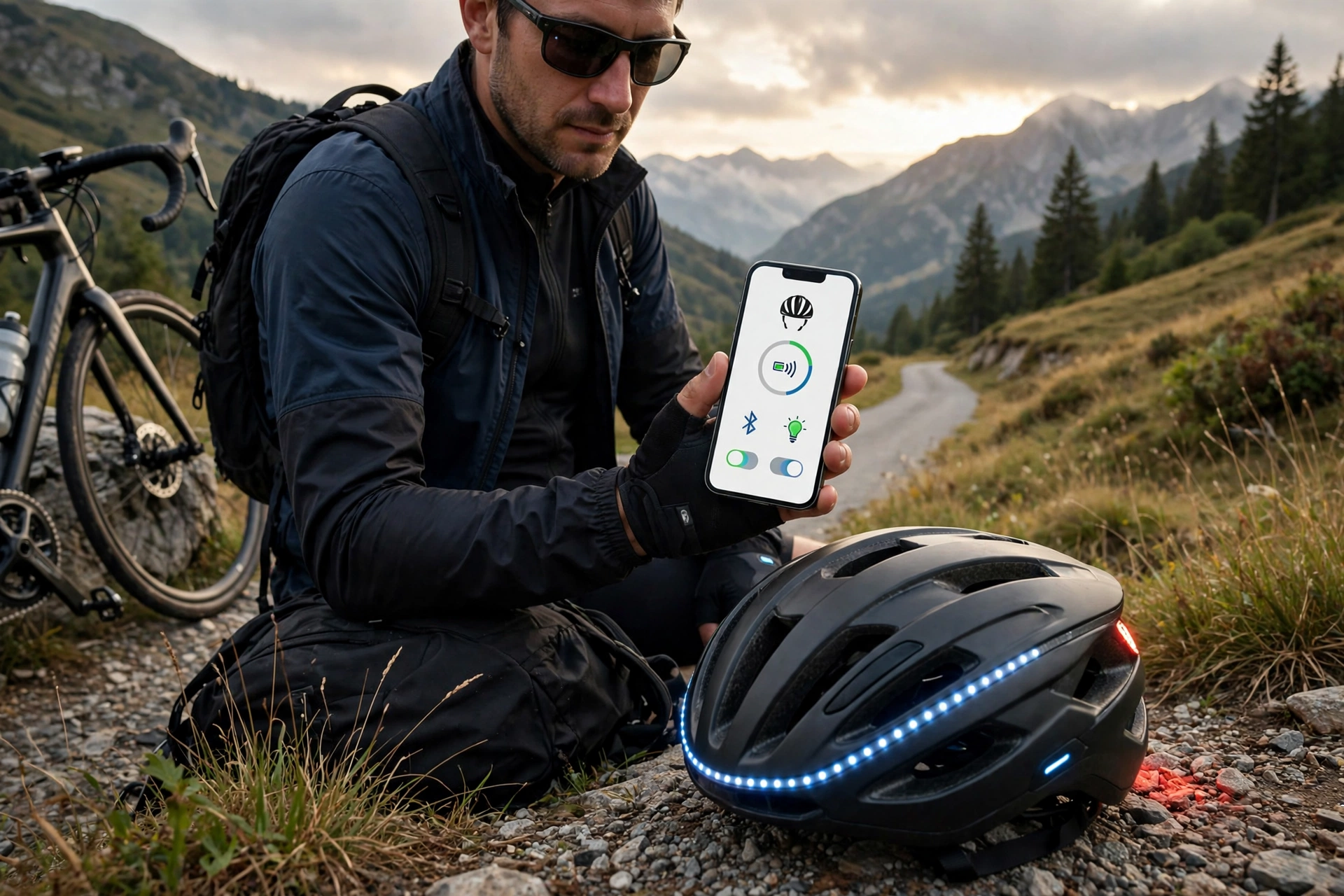
Smart helmet apps are the phone apps that pair with connected helmets to control their electronic features — things like lights, intercoms, music, and crash alerts. The helmet itself carries the hardware, such as speakers, microphones, lights, and sensors, while the app is the remote control and settings panel for all of it. Without the app, most smart helmets still work as ordinary helmets, but their smart features are limited or switched off.
This guide explains what these apps actually do, which features are genuinely useful, and what to watch out for before you buy into a connected helmet system.
What Do Smart Helmet Apps Control?
The most common job of a smart helmet app is managing communication features. From the app you can pair the helmet with your phone, adjust speaker volume, manage intercom connections with other riders, and take hands-free calls. Some apps let you create riding groups so several riders can talk to each other through their helmets on a group ride.
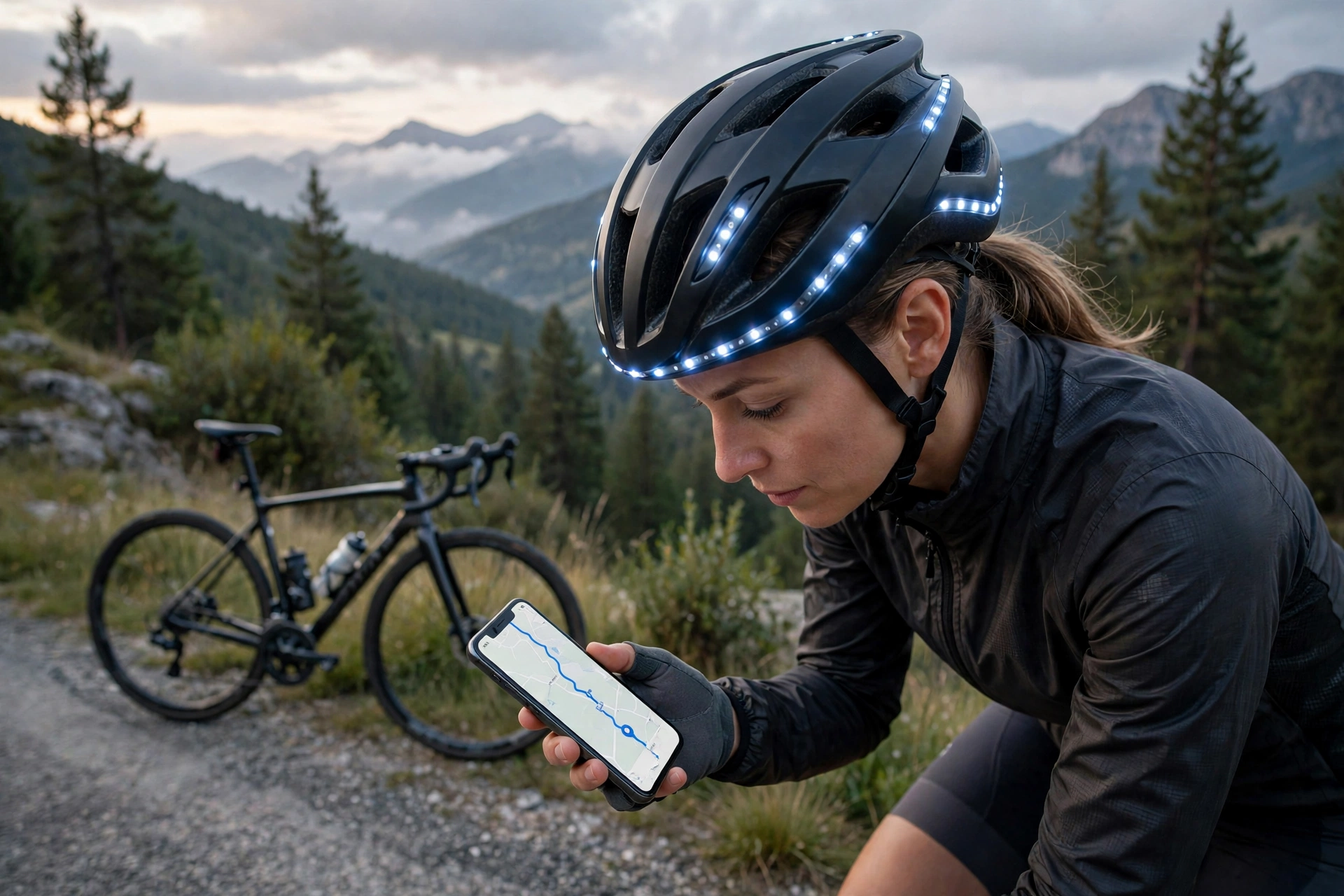
Lighting is another common control. Many smart helmets have built-in front and rear lights, and the app lets you switch modes, adjust brightness, and sometimes set automatic brake lights that brighten when you slow down. That is a real safety feature, since a light at head height is more visible to drivers than one mounted low on the bike.
Music and navigation controls round out the basics. The app usually lets you play, pause, and skip tracks, and some systems read out turn-by-turn directions through the helmet speakers so you never need to look at your phone while riding.
What Safety Features Do Smart Helmet Apps Offer?
Crash detection is the headline safety feature. If the helmet’s sensors detect a severe impact or a fall followed by no movement, the app can send an alert to emergency contacts you have set up, often with your location. For solo riders on quiet roads, that automatic call for help is a meaningful safety net.
Some apps also include ride tracking, recording your route, speed, and distance. That data is useful for training, but it also means someone can see where you were if something goes wrong. Families of young or older riders sometimes value that visibility as much as the rider does.
A word of caution: crash detection is a backup, not a guarantee. Sensors can miss unusual crashes or trigger false alerts, and the alert depends on your phone having signal and battery. It should never replace riding within your limits or telling someone your route before a solo ride.
Do You Need the App for the Helmet to Work?
For basic protection, no. A smart helmet is still a certified helmet with a shell and foam liner, and it protects your head whether the app is open or not. The electronics are an addition to the helmet, not a replacement for its core job.
For smart features, though, the app is usually essential. Lights may default to a basic mode, the intercom may not pair, and crash alerts cannot reach your contacts without the app running and connected. Some helmets store a few settings on the helmet itself, but most of the clever behaviour lives in the app.
That dependence creates a practical question: what happens if the app stops being supported? If the maker discontinues the app or it stops working with new phone software, the smart features may fade away while the helmet itself keeps working. Before buying, check how long the maker has supported older models and whether the app is regularly updated.
What About Battery Life and Charging?
Smart helmets need charging, and the app is where you check the battery level. Most helmets last for several rides on a charge when used moderately, but heavy use of lights, music, and intercom drains the battery faster. Cold weather can also reduce battery performance, which is worth remembering on winter rides.
Charging is usually via a standard USB cable, and the app often warns you when the battery is low. Building a habit of charging the helmet with your phone and lights after each ride avoids the disappointment of setting off with dead electronics.
The important point is that a flat battery never leaves you unprotected as a helmet wearer — it only switches off the smart features. Your head is still covered by a certified helmet. The risk is subtler: you may have been relying on a crash alert or a rear light that is no longer working, so check the battery before rides where you count on those features.
Are Smart Helmet Apps Worth It?
It depends on how you ride. For commuters, the combination of lights, hands-free calls, and navigation prompts is genuinely convenient, and crash alerts add reassurance on busy roads. For group riders, helmet-to-helmet intercom is a feature that is hard to replicate any other way.
For short leisure rides, the value is thinner. If you rarely take calls or listen to music while riding, a conventional helmet plus a separate bike light gives you the essentials for less money and with no app to maintain.
Whatever you choose, the fundamentals of helmet safety have not changed. Fit, coverage, and impact protection matter more than any app feature, and modern liner systems that reduce twisting forces in angled crashes are worth understanding too. For a clear explanation, see what MIPS technology does for helmets and how it compares with a standard foam liner.
Privacy is worth a thought too. Ride tracking and crash alerts mean the app holds location data and emergency contact details, so it is sensible to check what the app collects, how long it keeps it, and whether you can delete your ride history. A reputable maker will explain this clearly in its privacy policy. Most riders will find the trade-off acceptable — location sharing is exactly what makes crash alerts work — but it should be a conscious choice, not something you discover after the fact.
Frequently Asked Questions
Q: Does a smart helmet still protect me if the app is not connected?
A: Yes. The helmet’s shell and foam liner work independently of the app. Only the electronic features, such as lights, intercom, and crash alerts, depend on the app connection.
Q: Can smart helmet apps call for help after a crash?
A: Many can. If the helmet detects a severe impact followed by no movement, the app can alert your emergency contacts with your location, provided your phone has signal and battery.
Q: What happens if the maker stops supporting the app?
A: The smart features may stop working over time, but the helmet itself remains a certified protective helmet. Check the maker’s update history before buying if long-term app support matters to you.

Olivia
Writer at Helmet Today, covering helmet reviews, fit and riding safety.