
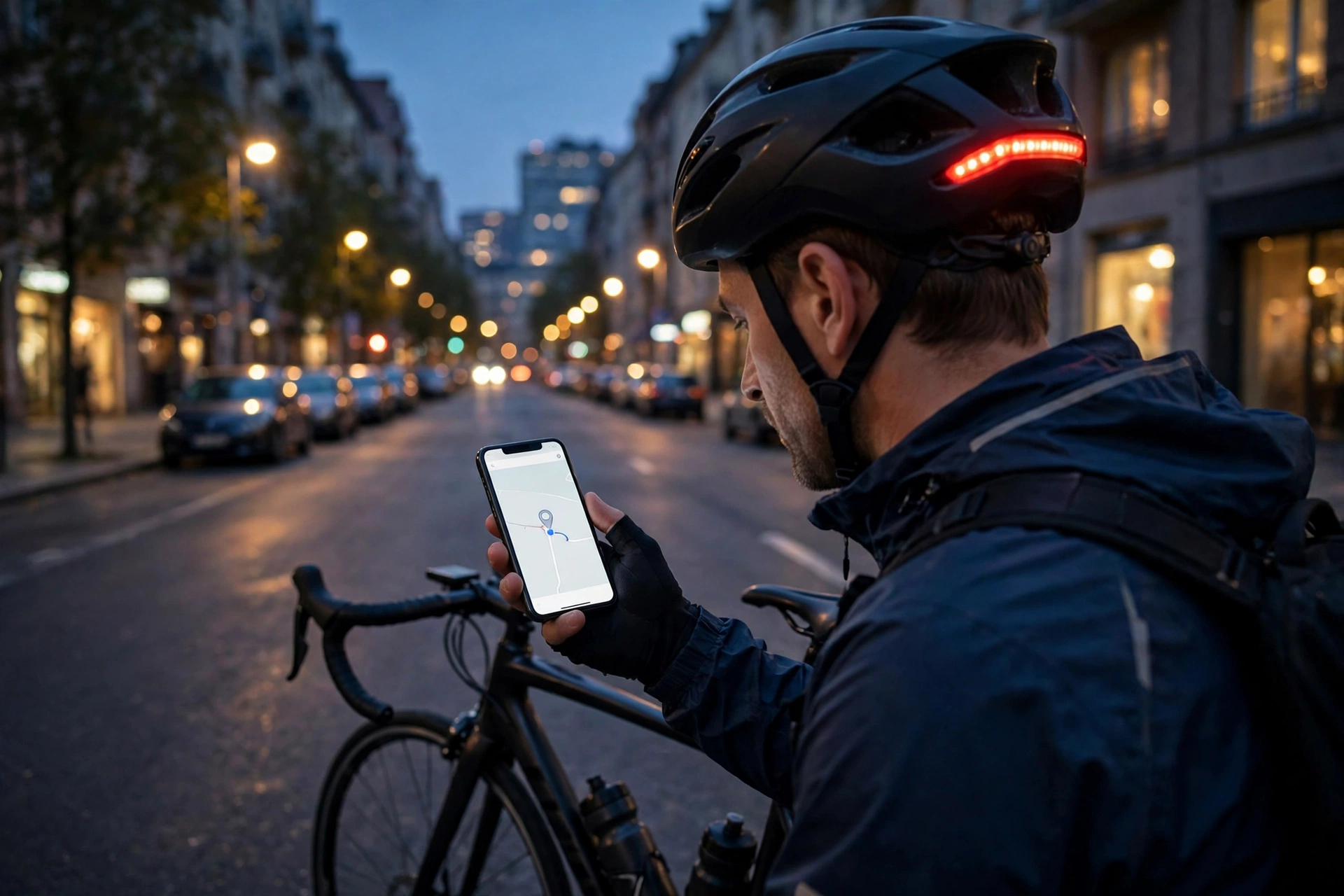
A smart helmet app is the phone app that pairs with a smart helmet, letting you control the helmet’s built-in features, such as its lights, speakers, and ride data, from your phone. In general terms, the app is the remote control for the helmet: the helmet itself holds the hardware, and the app is where you change its settings.
Smart helmets have become more common as cycling and motorcycling helmets have gained built-in lights, speakers, microphones, and sensors. The helmet can do some things on its own, such as flashing a rear light, but many of its features need the app to work properly. Through the app, you can turn features on or off, change how bright a light is, pair the helmet with your phone’s music or calls, and see information about your ride.
What does a smart helmet app do?
A smart helmet app connects to the helmet over a short-range wireless link, usually Bluetooth, and gives you a screen on your phone for the helmet’s features. In general terms, the app lets you control the helmet’s lights, adjust the volume of its speakers, answer or make calls hands-free, and play music or directions through the helmet. Some apps also show ride information, such as speed, distance, and route, collected from the helmet’s sensors or from your phone.
Many apps also handle the helmet’s safety features. Some smart helmets can detect a crash or a hard fall and, through the app and your phone, send an alert to an emergency contact. Others use the app to show the battery level of the helmet, so you know when to charge it. The app may also let you change the behaviour of the lights, for example by setting them to flash in a pattern, or by turning on a brake light when you slow down.
How do you connect a smart helmet to its app?
Connecting a smart helmet to its app is usually a simple process, but it helps to follow the maker’s steps in order. In general terms, you start by downloading the maker’s app from your phone’s app store, making sure it is the right app for your helmet model, since some makers have more than one app. Then you turn the helmet on, open the app, and follow its instructions to find and pair the helmet.
Pairing usually involves holding a button on the helmet until a light flashes, then tapping the helmet’s name when it appears in the app. Your phone may ask you to allow Bluetooth and location access, since the app needs both to find and stay connected to the helmet. If the helmet does not appear in the app, check that the helmet is charged, that it is turned on, and that no other phone is already connected to it. Try turning your phone’s Bluetooth off and on again, and move the phone close to the helmet.
What can you control from the app?
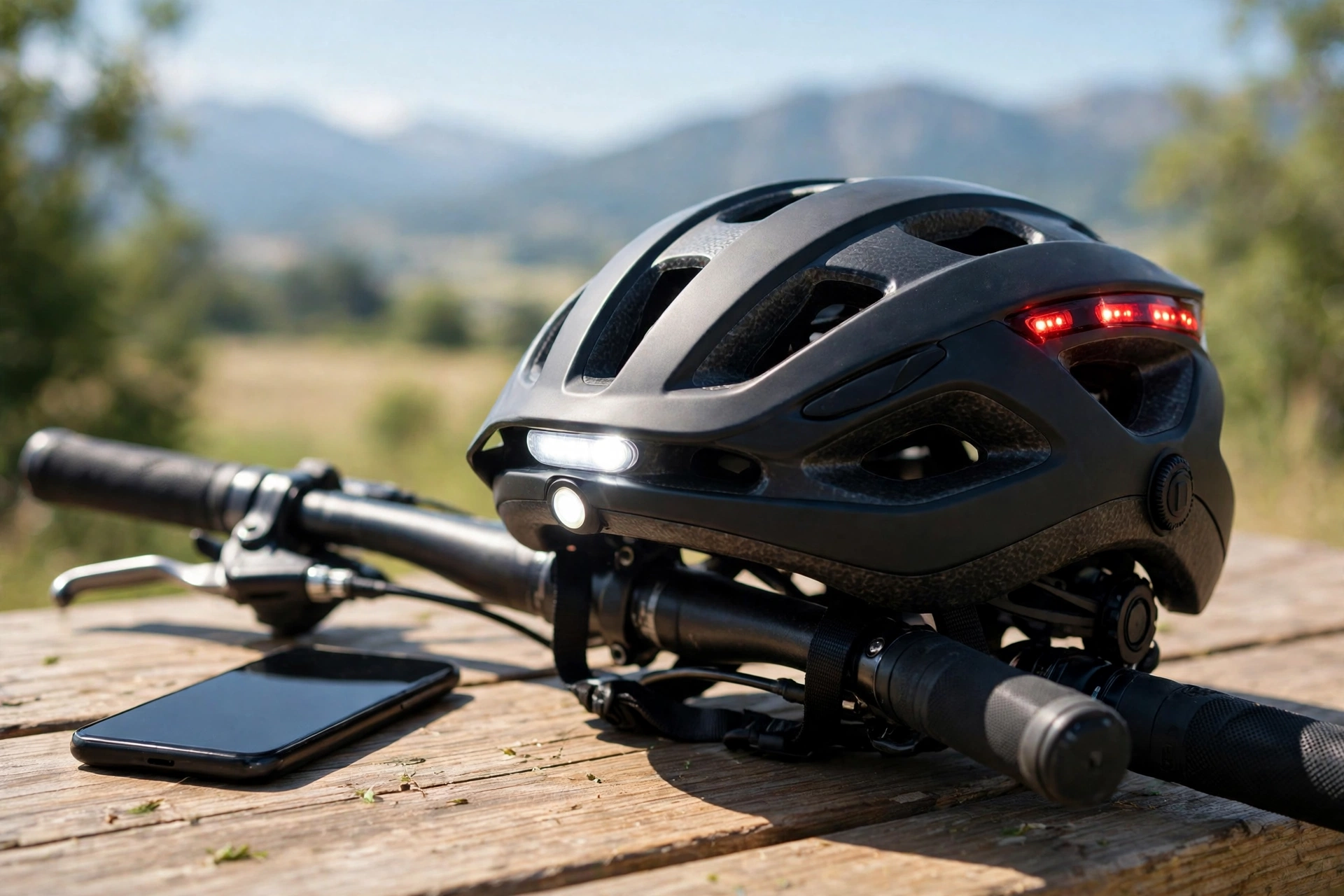
From the app, you can usually control the helmet’s lights. That may mean turning the front and rear lights on or off, changing how bright they are, or choosing a flashing pattern. Some apps let you set the lights to come on automatically when it gets dark, or to act as indicators when you turn. In general terms, the app gives you far more control over the lights than the single button on the helmet does.
You can also control sound. If the helmet has built-in speakers, the app often lets you adjust the volume, balance the sound, or switch between music, calls, and navigation prompts. Some apps let you set how loud the speakers can go, which is useful if you want to keep enough awareness of traffic around you. Beyond lights and sound, the app is where you manage the helmet itself. That includes checking the battery, changing the settings for crash detection or emergency alerts, and adding or changing emergency contacts. Some apps record your rides and show them on a map, with distance, speed, and time, and let you share a ride with friends.
Does a smart helmet work without the app?
In general terms, yes, a smart helmet still works as a helmet without the app. The shell and the foam lining protect your head in the same way as an ordinary helmet, and that protection does not depend on your phone. A smart helmet must still meet a recognised safety standard, and the standard is what tells you the helmet is up to the job, whatever smart features it has.
What changes without the app is the smart side of the helmet. Some features, such as a basic rear light, may still work from a button on the helmet, but you will not be able to change their settings, and features that need the phone, such as crash alerts sent to a contact, music, calls, and navigation, will not work. That is worth knowing if you sometimes ride without your phone, or if your phone runs out of battery. Some helmets include a system designed to reduce rotational forces in a fall, such as MIPS, and that protection is built into the helmet itself, so it works whether or not the app is connected.
What should you know about privacy and updates?
A smart helmet app collects some information to do its job. In general terms, that can include your ride routes, your speed and distance, and the details of your emergency contacts if you set up crash alerts. Before you use the app, read its privacy notice to see what it collects, how it is used, and whether it is shared with anyone else. If the app asks for access to things that do not seem related to the helmet, such as your contacts or your photos, you can usually refuse that access and still use the main features.
Updates matter too. Makers release new versions of the app and new software for the helmet itself, and these updates can fix faults, improve the battery, or add features. In general terms, it is worth keeping both the app and the helmet’s software up to date, and doing so over a stable connection at home rather than just before a ride. Finally, think about battery life. A smart helmet needs charging, and its battery will run down faster when the lights, speakers, and sensors are all in use. Check the battery in the app before a long ride. If the battery runs flat, the helmet still protects your head, but its lights and speakers will stop working, so treat the charge level as part of your pre-ride check, alongside the fit and the strap.
What is a smart helmet app?
A smart helmet app is the phone app that pairs with a smart helmet so you can control its lights, speakers, calls, music, and ride data, and manage settings such as crash alerts and battery level.
Do I need the app to use a smart helmet?
In general terms, no. The helmet still protects your head without the app, but smart features such as crash alerts, music, calls, and light settings need the phone and the app to work.
Is my ride data private in a smart helmet app?
It depends on the app. Read its privacy notice to see what it collects and whether it is shared, and only give the app the permissions it genuinely needs to run the helmet.

Olivia
Writer at Helmet Today, covering helmet reviews, fit and riding safety.