
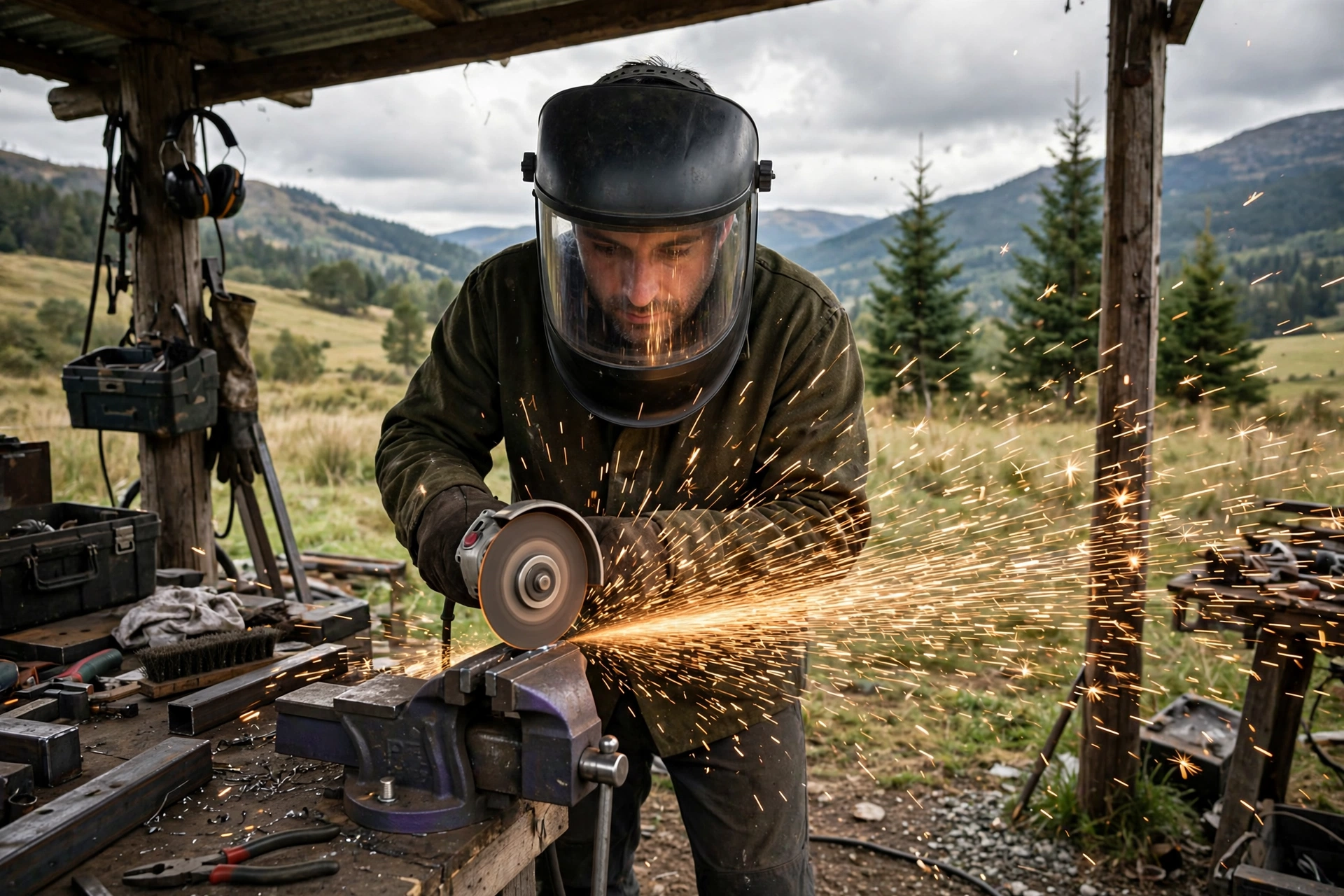
Grinding mode is a setting on many auto-darkening helmets that locks the filter at its light, clear shade so the helmet stays down and works as a face shield while you grind. Instead of the lens darkening in response to bright light, it simply stays light, giving you a full, protected view of the grinder’s work. It is genuinely useful — and it carries one serious catch: a helmet left in grind mode will not darken when you strike an arc, so switching back is a step you must never skip.
Most mid-range and better auto-darkening helmets offer the feature now, through an internal switch or a button on the outside of the shell. Used well, it streamlines the weld–grind–weld rhythm of fabrication work. Used carelessly, it is one of the commonest causes of a flashed set of eyes.
How Does Grind Mode Actually Work?
An auto-darkening filter spends its life at a light shade — typically around shade 3 or 4 — until its sensors see an arc, at which point electronics darken the liquid crystal layers to your selected welding shade in a fraction of a millisecond. Grind mode interrupts that reflex: it tells the cartridge to ignore the sensors and hold the light state no matter how bright things get.
With the reflex disabled, the helmet becomes straightforward impact protection with a big window. You can run an angle grinder, a wire wheel or a flap disc with the hood down, both hands on the tool, and a clear, untinted view of the surface you are dressing. Sparks hitting the cover lens are a non-event because the filter behind it was never asked to respond.
On some helmets the mode is a position on the shade dial; on others a dedicated internal switch or external button. A few models add a flashing indicator inside to remind you the mode is active. The implementations differ, but the principle is identical: sensors off, shade light, until you say otherwise.
Why Use the Helmet for Grinding at All?
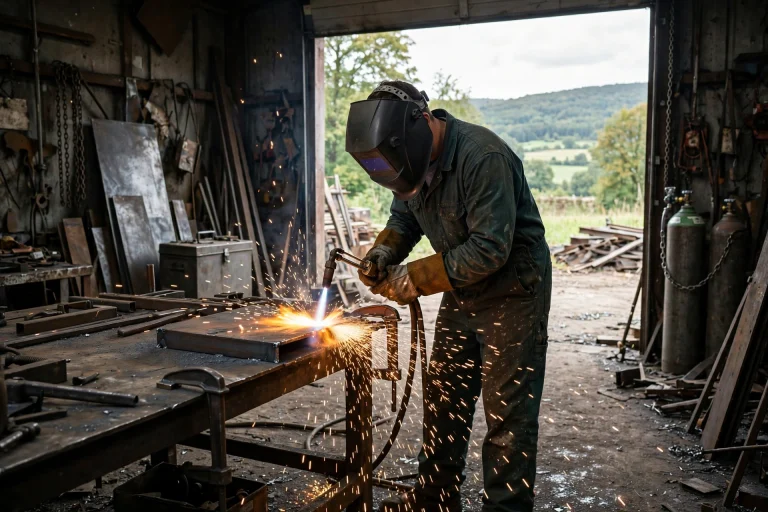
Because grinding is where faces get hurt in the gaps between welds. The normal workflow — hood up, reach for safety glasses or a separate face shield, grind, swap back, hood down — contains several moments of exposed face and a lot of small friction. In practice, friction wins and protection gets skipped, “just for a quick touch-up.” Grind mode removes the swap entirely: the shield is already on your face.
The viewing quality helps too. A helmet’s clear state gives a wider, less distorted view than many budget face shields, and true-color style filters in general terms show the metal’s surface and heat tinting more faithfully. Judging when a bead is dressed flush is easier with a good view.
There is also a consistency benefit: your headgear fit and routine stay unchanged through the whole weld–grind–inspect cycle. One helmet, down the whole time, is a harder routine to get wrong than three pieces of gear rotated in and out.
What Is the Main Danger of Grind Mode?
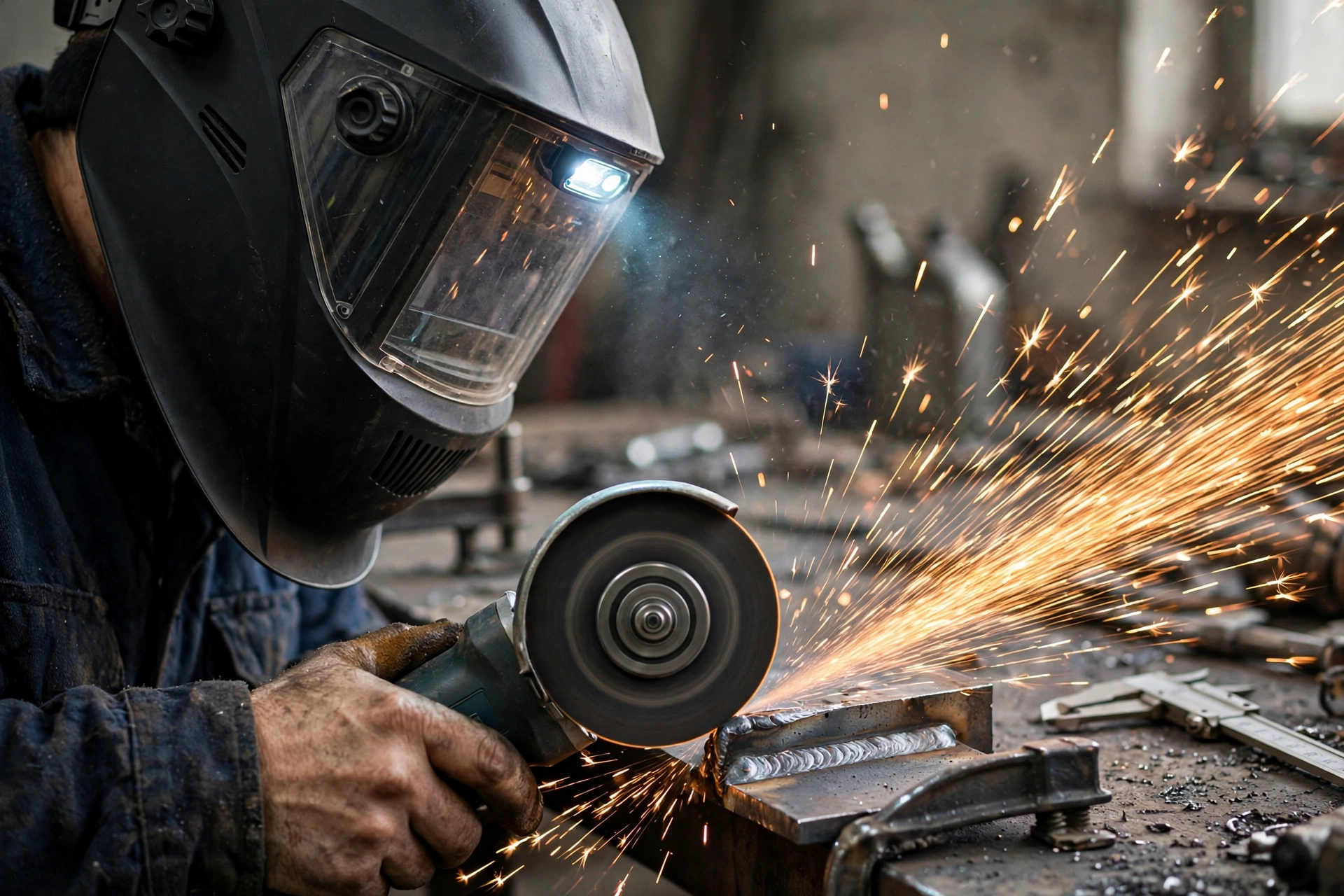
Forgetting. The helmet gives no dramatic warning that it is in grind mode, and the light shade looks exactly like its normal resting state. If you set up the next weld, nod the helmet down out of habit and strike an arc, the lens stays light and your eyes take the full flash before you can react. Arc flash — the burning, gritty “sand in the eyes” injury — can result from even a brief exposure.
The risk is highest at the busiest moments: tacking something quickly for a colleague, resuming after a break, or working in a shared shop where someone else strikes an arc nearby while your helmet is down in grind mode. A nearby arc can flash you through your light lens just as your own can.
Build a hard ritual around the switch. Many welders touch the mode control and say the setting aloud every time they change tasks; others always return the helmet to weld mode the instant the grinder stops, rather than when the next weld starts. Either habit works. What does not work is relying on remembering later.
How Do You Switch Modes, and What Is an External Grind Button?
Internal switches require lifting the helmet or reaching inside to change modes — secure against accidents, but slow. So some welders leave the helmet in one mode for long stretches, which reintroduces the forgetting problem in the other direction: grinding with a helmet that darkens unexpectedly is startling but safe; welding in grind mode is the dangerous failure.
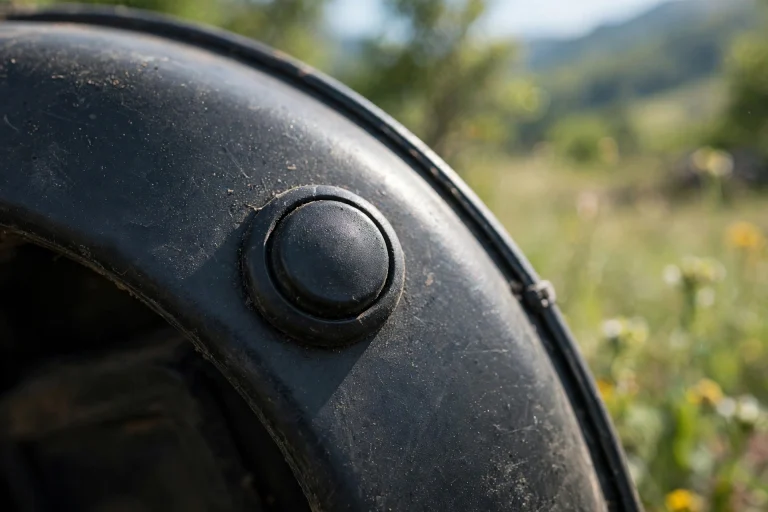
External grind buttons solve the convenience half of the problem. A button on the outside of the shell lets you toggle modes with the helmet on and gloves on, without breaking your grip or your position. Some designs make the button large and deliberately shaped so you can find it by feel, and some pair it with a visible indicator.
Whichever style your helmet uses, learn its feedback: how it tells you which mode you are in — a dial position you can check by touch, a light, a different feel to the button — and verify it every time you pick the helmet up.
Is Grind Mode a Full Replacement for a Face Shield?
For most workshop grinding, effectively yes — with two qualifications. The helmet’s shell and clear-state filter provide face coverage comparable to a shield, and the helmet stays put far better during heavy grinding. If your work is the usual fabrication mix of weld, dress, inspect, repeat, grind mode covers it well.
The qualifications: first, the filter’s clear state is not the same as a dedicated thick shield for the heaviest work — sustained production grinding sandblasts cover lenses and the filter window itself, which gets expensive. A cheap dedicated shield still wins for grinding-only shifts. Second, wear safety glasses under the helmet so your eyes stay covered in the moments the hood is up.
Think of grind mode as the right tool for grinding that happens inside a welding workflow. It was not designed to turn a welding helmet into your only grinding station for hours a day — though for the odd heavy session, it will serve you better than no shield at all.
Modes, settings and rituals matter because protection only works in the configuration you actually use — a lesson that applies to every helmet type. Riders make the same calculation with features like MIPS rotational protection in modern helmets: the technology counts only when the helmet is worn correctly for the ride in front of you. In the shop, that means one simple rule — check the mode before every arc.
Frequently Asked Questions
Q: My helmet flashed me once in grind mode. Are my eyes damaged?
A: A single brief flash often causes temporary discomfort, but any symptoms — pain, grittiness, light sensitivity or vision changes — deserve prompt medical attention. Do not weld again until you have reset the mode and, if symptoms persist, been checked.
Q: Can I weld if my helmet is stuck in grind mode?
A: No. A helmet in grind mode provides no darkening at all. If the switch or button has failed and the lens will not return to weld mode, take the helmet out of service until it is repaired or replaced.
Q: Does grind mode drain the battery faster?
A: In general terms, no meaningful difference — the electronics draw very little power holding the light state. What does drain batteries is leaving controls and indicators active in storage, so follow the maker’s storage guidance for your model.

Olivia
Writer at Helmet Today, covering helmet reviews, fit and riding safety.