
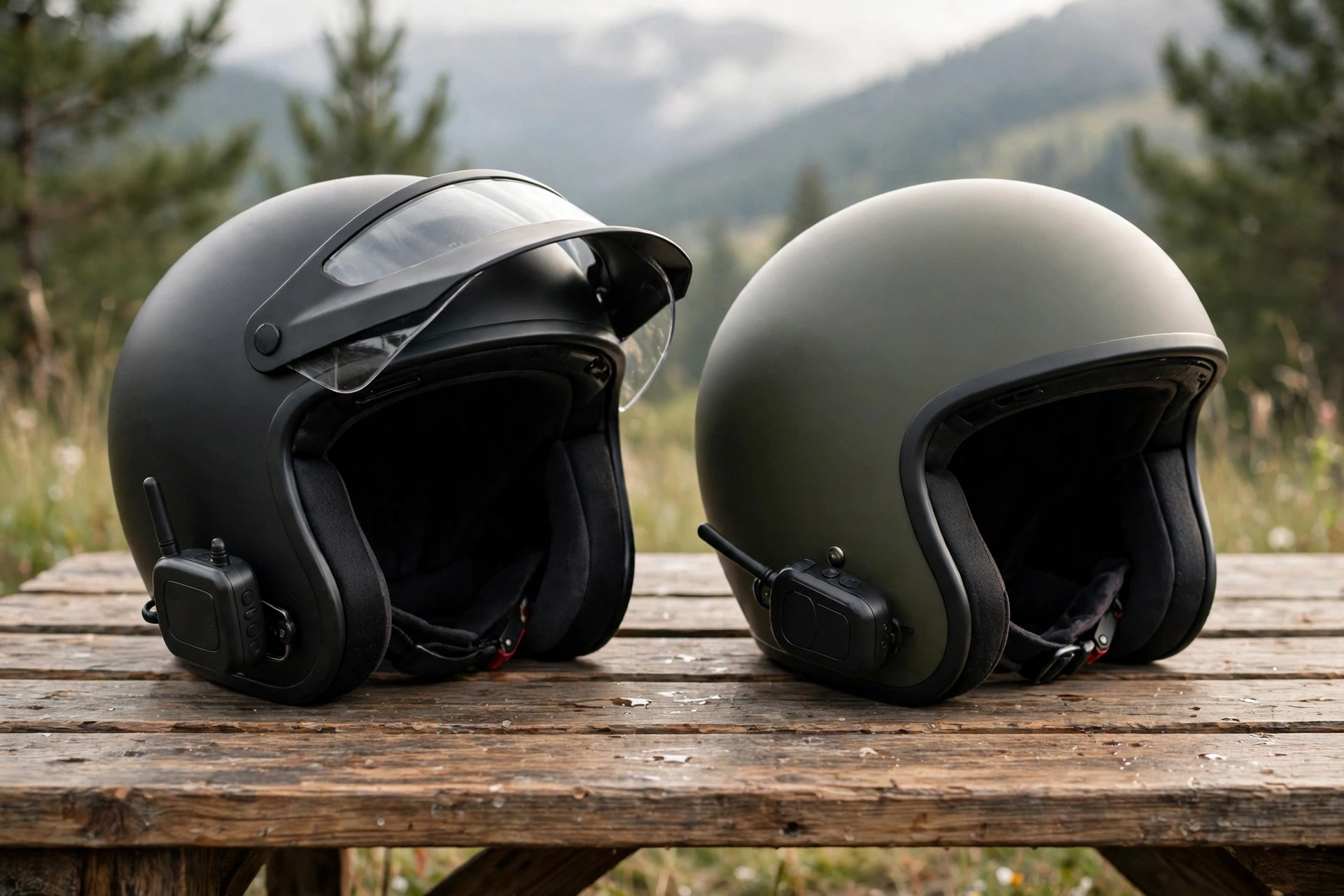
To pair two helmet intercoms, switch both units on, put them into pairing mode, and let them find each other — the exact buttons vary by model, but the process usually takes less than a minute, and you should do it before you set off, not on the move. Pairing two units is the simplest intercom job there is, and once you have done it once, it becomes second nature.
Pairing is the step that links two helmets so the riders can talk to each other. It sounds technical, but in practice it is little more than pressing a button on each unit and waiting for a beep or a voice prompt. The trouble usually comes from rushing, from trying to pair while riding, or from one unit still being connected to something else. This guide walks through the process step by step.
What Should You Do Before You Start Pairing?
Before you start, charge both units fully, or at least enough for the ride ahead. A unit with a low battery may pair and then drop out partway through the ride, which is frustrating and hard to fix on the road. Check that both units are the same kind of system, or at least compatible — a mesh unit and a Bluetooth unit may connect, but the process and the result can differ, so check the maker’s guidance first.
Make sure both units are switched on and not already connected to another rider, a phone call, or a music stream that might interfere. If either unit was paired with a different rider last time, it may try to reconnect to that unit first. Clearing old pairings, or putting both units into pairing mode at the same time, usually solves that.
Finally, have both helmets close together — within a metre or so — and in a quiet place. Pairing works best when the units are near each other and there is little interference. Doing it in the driveway before you leave is far easier than doing it at a busy junction with traffic noise and gloves on.
How Do You Pair Two Bluetooth Intercoms?
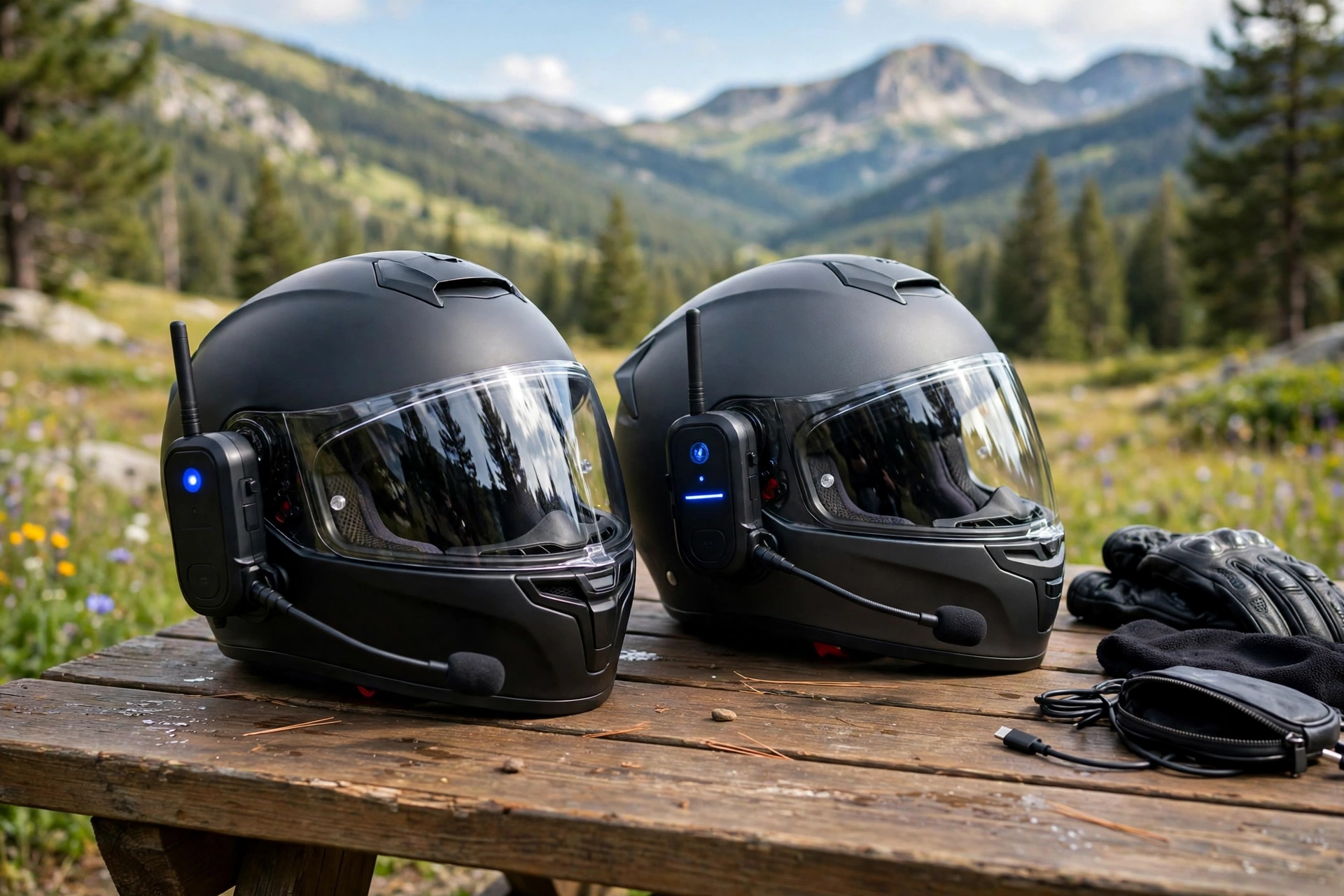
For most Bluetooth intercoms, the process is similar. Switch both units on. Press and hold the pairing button on the first unit until you hear a beep or a voice prompt saying it is in pairing mode — the light usually flashes rapidly. Do the same on the second unit. Then, on one of the units, press the button that starts the search, and wait. The units should find each other within a few seconds, and you will hear a confirmation beep or a voice saying the intercom is connected.
Once they are connected, test the link before you ride. Speak into the microphone on one helmet and listen for your voice in the other. Check that both riders can hear each other clearly, and that the volume is comfortable. If one rider cannot hear the other, check the speaker position inside the helmet — a speaker that sits too far from the ear is a common cause of quiet audio.
If the pairing fails, switch both units off and try again. Make sure neither unit is connected to a phone call at the time, and that you are pressing the right button — on some units the pairing button and the phone button look alike. The maker’s manual, or a short video from the maker, will show the exact buttons for your model.
How Do You Pair Two Mesh Intercoms?
Mesh intercoms are usually easier to pair than Bluetooth ones, because they are designed to connect automatically. In most cases, you simply switch both units on, make sure they are set to the same mesh channel or group, and they will find each other without any button pressing. Some units need a single press to join the mesh, and then they stay connected.
The key step with mesh is making sure both units are on the same channel or in the same group. If one unit is on a different channel, the two will not hear each other, even though both are switched on. Check the channel setting on both units before you ride, and set them to the same one. The channel is usually changed with a button press or through the maker’s phone app.
What If the Two Intercoms Are Different Brands?
Different brands can sometimes connect, but not always, and the connection may be limited. Many makers use a universal pairing mode that lets their unit talk to another brand’s unit over Bluetooth, but the features may be reduced — for example, you may be able to talk, but not share music, or the range may be shorter.
To pair different brands, put one unit into universal pairing mode (the exact name varies by maker) and the other into normal pairing mode, then let them find each other. The process can take longer than pairing two units of the same brand, and it may need a second attempt. Keep the helmets close together and be patient.
If the units will not connect at all, check the makers’ guidance: some combinations are simply not compatible. In that case, the practical answer is for both riders to use units that can talk to each other, or to use a phone call as a backup on a short ride. In general terms, matching brands make pairing easiest, and that is worth remembering when you buy.
How Do You Keep the Pairing for Your Next Ride?
Most intercoms remember their last pairing, so the next time you switch both units on, they should reconnect automatically. That is convenient, but it can also cause confusion if you ride with different people: your unit may try to connect to last week’s riding partner instead of today’s. If that happens, clear the old pairing or put the units into pairing mode again.
It helps to pair the units in the same order each time, and to switch them on at roughly the same moment. If one unit has been on for a while and the other has just been switched on, the first may have timed out of pairing mode. Switching both off and on again together usually fixes it.
If you are learning how helmets protect the head, reading about what MIPS is for helmets can help you understand one of the technologies used in modern helmet design. And remember: pairing is a job for before the ride, not during it. Never try to press pairing buttons while you are moving.
Frequently Asked Questions
Q: How long does it take to pair two helmet intercoms?
A: In general terms, less than a minute once both units are in pairing mode. Allow a few extra minutes before your first ride together, in case you need a second attempt.
Q: Do I need to pair the intercoms again every ride?
A: Usually not. Most units remember the last pairing and reconnect automatically when both are switched on, but check the connection with a quick voice test before you set off.
Q: Why won’t my two intercoms pair?
A: The most common causes are a low battery, one unit still connected to another device, or the units being on different mesh channels. Switch both off, charge them, and try again close together.

Olivia
Writer at Helmet Today, covering helmet reviews, fit and riding safety.