
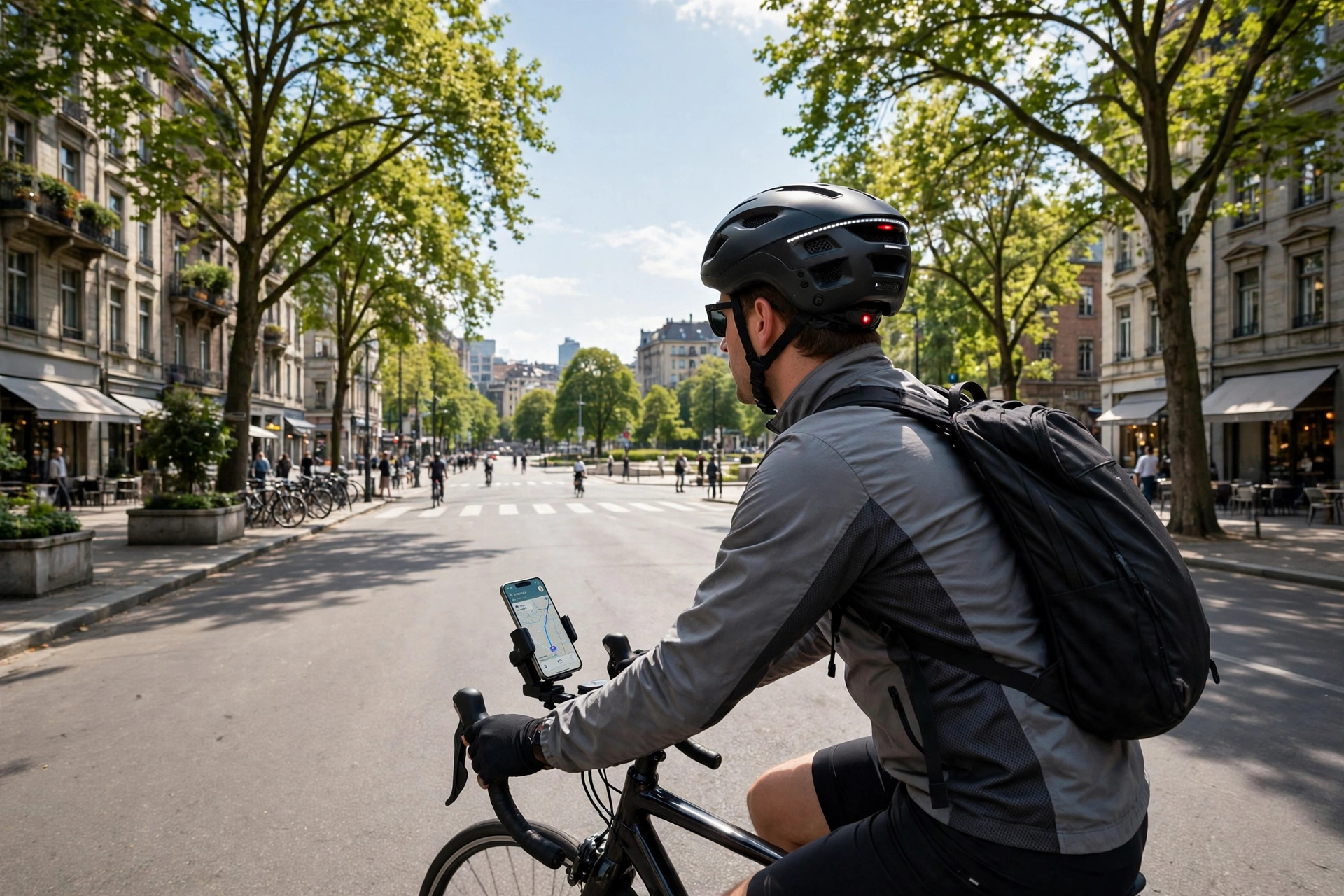
Smart helmets connect to your phone in general terms through a short-range wireless link, most often Bluetooth, which pairs the helmet with an app on the phone. Once paired, the helmet and the phone share data, such as ride information, calls, music, and alerts, while the rider keeps the phone in a pocket or mounted on the bike. The connection is set up once in the app, and after that the helmet usually reconnects on its own when it is switched on and the phone is nearby. No cable is needed between the helmet and the phone.
How Do You Pair a Smart Helmet With a Phone?
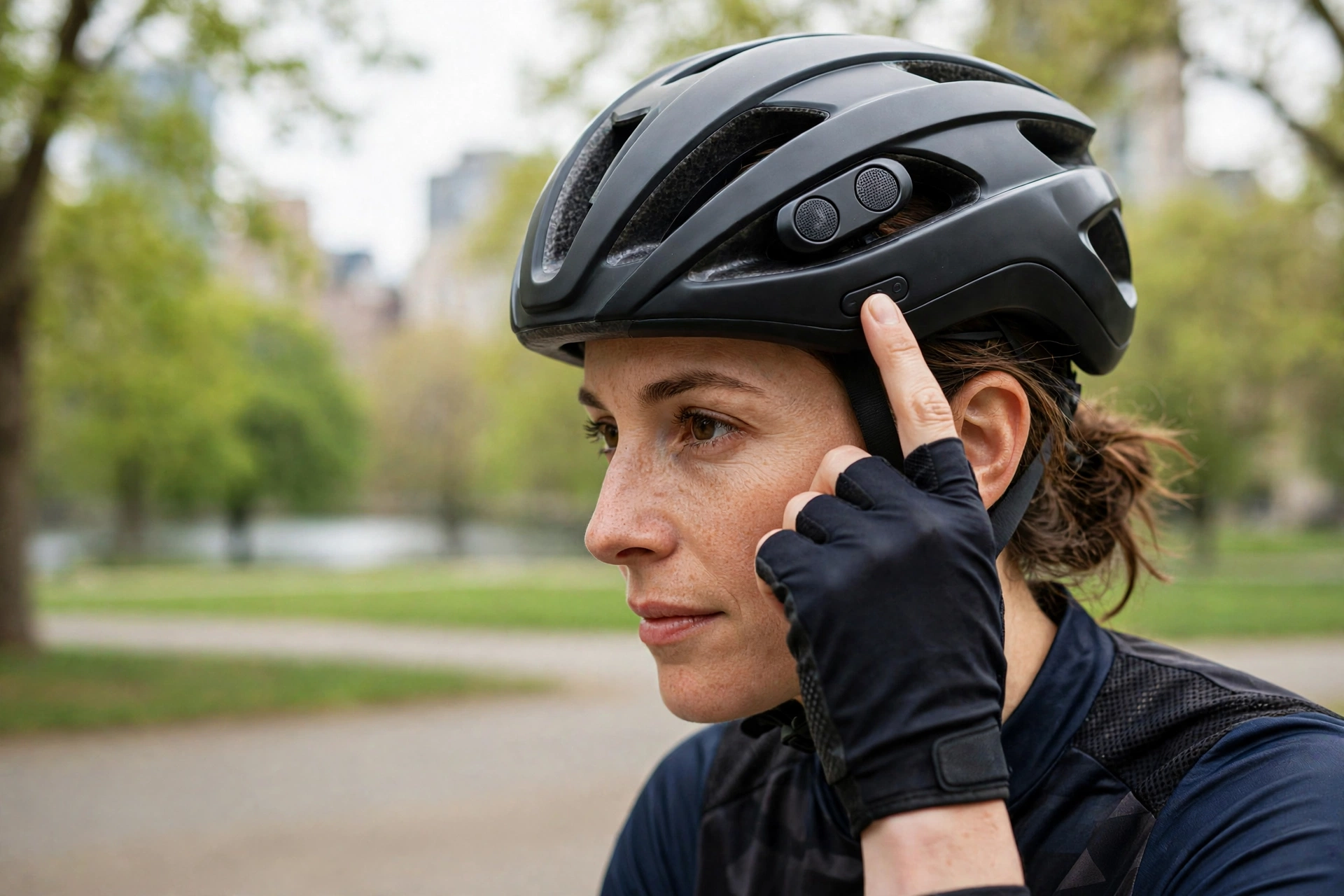
Pairing a smart helmet with a phone is usually a short process done through the helmet maker’s app. The rider installs the app, switches the helmet on, and puts it into pairing mode, often by holding a button on the helmet for a few seconds. The app then looks for the helmet, shows it in a list, and the rider taps it to connect.
Once the pairing is accepted, the phone remembers the helmet, so the two should reconnect on their own the next time both are switched on and close together. If the connection fails, it is usually fixed by switching the helmet off and on again, checking that Bluetooth is on in the phone, and making sure no other device is already connected to the helmet. In general terms, pairing is a one-time setup, and daily use should need no further steps beyond switching the helmet on.
What Can a Smart Helmet Do Once It Is Connected?
Once connected, a smart helmet can do several things through the phone. The most common are hands-free calls and music, using small speakers and a microphone built into the helmet, so the rider can hear directions, take a call, or listen to music without holding the phone. Some helmets also read out turn-by-turn directions from a navigation app, which helps the rider follow a route without looking at a screen.
The helmet can also send ride data to the app, such as speed, distance, and location, and receive alerts back from the phone. In general terms, the phone does the heavy work, running the apps and the mobile connection, while the helmet acts as the rider’s ears and voice on the road. The helmet itself usually has only a few buttons, so most settings are changed in the app rather than on the helmet.
Does a Smart Helmet Need the Phone Nearby?
Yes, in general terms a smart helmet needs the phone nearby to do most of its connected jobs. Bluetooth has a short range, usually only a few metres, so the phone has to be on the rider or on the bike for the link to work. If the phone is left at home, the helmet can still be worn as a normal helmet, but the calls, music, navigation, and live ride data will not be available.
Some helmets can store a limited amount of data on their own, such as a ride record, and send it to the phone later when the two are back in range. Others lose the data if the phone is not connected at the time. Either way, the rider should think of the helmet and the phone as a pair: the helmet is the part worn on the head, and the phone is the part that runs the apps and the connection to the wider world.
How Much Battery Does the Connection Use?
The wireless connection uses some battery from both the helmet and the phone, but in general terms the amount is modest. Bluetooth is designed for low power, and a smart helmet should last through a normal ride on a single charge, with the exact time depending on the helmet and how much the speakers and sensors are used. Listening to music at high volume and using navigation for hours will drain the battery faster than a quiet ride with no audio.
It is good practice to charge the helmet before a long ride and to check the battery level in the app, since many apps show the helmet’s remaining charge. The phone’s battery is also affected, because it is running the app and the Bluetooth link, so riders on long trips often carry a small power bank. If the helmet battery runs flat, the helmet still works as a helmet, but the connected features stop until it is charged again.
Are There Any Privacy or Safety Concerns?
There are a few concerns worth knowing about. On the safety side, listening to music or taking calls through the helmet can distract the rider, so it is best to keep the volume low enough to hear traffic and to avoid long calls while riding. Some riders also find that voice prompts and alerts take attention away from the road, so it helps to set up the app before setting off rather than fiddling with it during the ride.
On the privacy side, the app may collect ride data, location, and usage information, and it may share some of that with the helmet maker or with other services. It is worth checking the app’s privacy settings and deciding what to share. If you want to understand one of the safety technologies used in modern helmets, reading about what MIPS is for helmets is a good place to start, though the phone connection itself is a convenience feature and not a form of impact protection.
What Should You Check Before Buying a Smart Helmet?
Before buying a smart helmet, it is worth checking that the app works with your phone, because some helmet apps are made for one type of phone and not the other, and older phones may not be supported. It is also worth checking how long the battery lasts, how the helmet is charged, and whether the speakers and microphone can be heard clearly at riding speed.
Fit and protection should still come first. A smart helmet should fit well, feel comfortable, and meet the safety standard for the type of riding you do, before any of the connected features are considered. In general terms, the smart features are only useful if they work reliably with your phone and you will actually use them, so it is worth trying the app and the pairing process before committing to a purchase.
Can a smart helmet connect to more than one phone?
In general terms, a helmet pairs with one phone at a time, though it can usually remember more than one device and connect to whichever is nearby. Switching between phones may need the helmet to be re-paired, so it is best to use one main phone for daily riding.
Do I need mobile data for my smart helmet to work?
Not for the basic link, since Bluetooth works without mobile data. You do need mobile data, or a downloaded map, for live navigation and for features that send alerts or share ride data online.
Will my smart helmet still work if the app is closed?
In general terms, the helmet can stay connected while the app runs in the background, but if the app is fully closed or the phone is switched off, the connected features will stop. The helmet itself still protects the head as normal.

Olivia
Writer at Helmet Today, covering helmet reviews, fit and riding safety.