
Do smart helmets need software updates? In general terms, yes, if your helmet has Bluetooth, an app, or built-in electronics, it will need software updates from time to time, just like a phone or a fitness watch. Not every smart helmet works the same way, so the answer depends on which features your helmet has and how the maker supports them.
A smart helmet is a normal helmet with electronics added, such as speakers, a microphone, a camera, or sensors that can detect a crash. The software that runs those features is called firmware, and the maker can improve it, fix problems, or add features by sending an update to the helmet. Understanding how that works helps you keep your helmet working properly and safely.
What is a smart helmet software update?
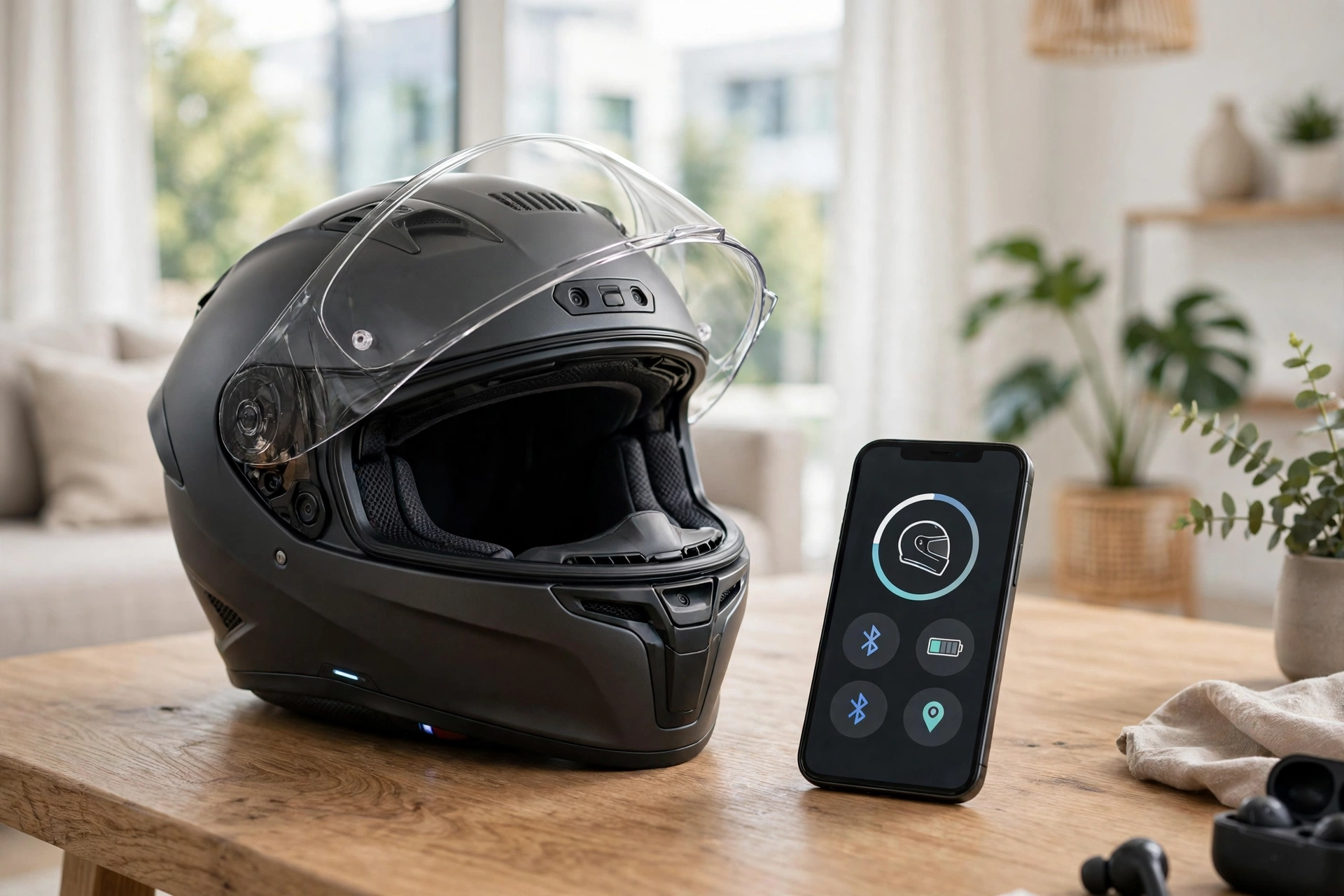
A smart helmet software update is a new version of the firmware or the companion app that controls the helmet’s electronics. The firmware is the software built into the helmet itself, while the app runs on your phone and talks to the helmet over Bluetooth. An update may improve the sound, fix a connection problem, add a feature, or close a security gap.
Updates usually arrive through the helmet’s app. The app tells you an update is available, and you start it from your phone while the helmet is switched on and nearby. Some helmets update automatically once they are connected, while others need you to confirm the update first. Either way, the helmet should be charged and close to your phone while the update runs, and the whole process usually takes only a few minutes.
Why do smart helmets need software updates?
Smart helmets need updates for the same reasons as other connected devices. The maker may find a bug that makes the Bluetooth connection drop, or the speakers sound wrong, and an update is the way to fix it. They may also improve the battery life, add a new feature, or make the helmet work better with a new version of your phone’s operating system.
Safety features can also be updated. A crash-detection sensor, for example, relies on software to decide when to send an alert, and an update may make that detection more accurate. In general terms, keeping the software up to date is part of looking after the helmet, just as checking the strap and the shell is part of looking after any helmet.
How often should you update a smart helmet?
There is no fixed schedule, and in general terms you should update whenever the maker releases one. Most brands release updates only a few times a year, and often only when there is a real improvement or a fix to make. The app will usually tell you when an update is ready, so you do not need to check every day.
It is a good idea to check for updates before a long trip, so you are not caught out by a problem on the road. Make sure the helmet is charged, the app is up to date, and the helmet is connected before you ride. If an update fails, try again with the helmet close to the phone and a stable connection, and contact the maker’s support if the problem continues.
What happens if you do not update a smart helmet?
If you do not update a smart helmet, it will usually keep working, but you will miss out on fixes and improvements. A known bug may keep happening, a feature may stop working with a newer phone, or a safety feature may not work as well as it could. In general terms, an out-of-date helmet is not automatically unsafe, but it is not working at its best either.
The helmet’s physical protection does not depend on software. The shell and the liner protect your head in a fall whether the electronics are up to date or not, so skipping an update does not make the helmet itself dangerous. What you lose is the reliability of the smart features, such as clear audio, a stable connection, or accurate crash detection.
Can a software update go wrong?
Yes, an update can occasionally go wrong, though it is uncommon. The most common problem is a loss of connection part-way through, which can leave the helmet’s software in an unfinished state. To reduce the risk, only update when the helmet is charged, keep it close to your phone, and do not switch it off or walk away while the update is running.
If an update does fail, most helmets can be reset and the update tried again. Check the maker’s instructions for how to reset your model, and contact their support if the helmet will not switch on or will not connect after a failed update. Never try to open the helmet or change the electronics yourself, as that can damage the helmet and may void the warranty.
What should you check when buying a smart helmet?
Before you buy, check how the maker handles updates and how long they support the helmet. A brand that has been around for a while and still updates older models is a better bet than one that stops supporting a helmet soon after launch. Read recent reviews to see whether owners are still getting updates and whether the app works well.
Also check the basics. The helmet should carry a recognised safety certification for your type of riding, fit snugly and sit level on your head, and feel comfortable enough to wear for a long ride. Some helmets include a liner designed to reduce rotational forces in a fall, such as MIPS, which is worth asking about. The smart features are a bonus, but the protection comes first.
Do smart helmets need software updates?
Yes, in general terms a smart helmet with Bluetooth, an app, or built-in electronics needs software updates from time to time to fix problems, improve features, and keep it working with your phone.
How do you update a smart helmet?
Most updates come through the helmet’s companion app on your phone: connect the helmet over Bluetooth, make sure it is charged, and follow the app’s instructions to install the update.
Does an out-of-date smart helmet still protect you?
Yes, the shell and liner protect your head in a fall whether the software is up to date or not, but the smart features may work less reliably until you update.

Olivia
Writer at Helmet Today, covering helmet reviews, fit and riding safety.