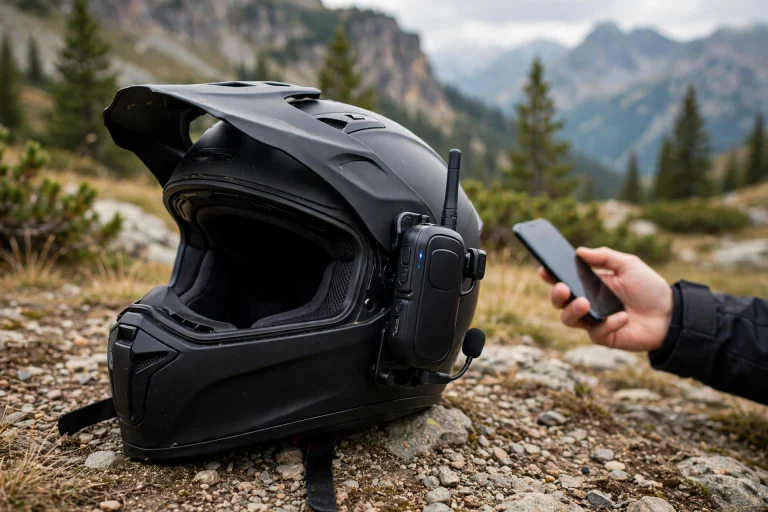

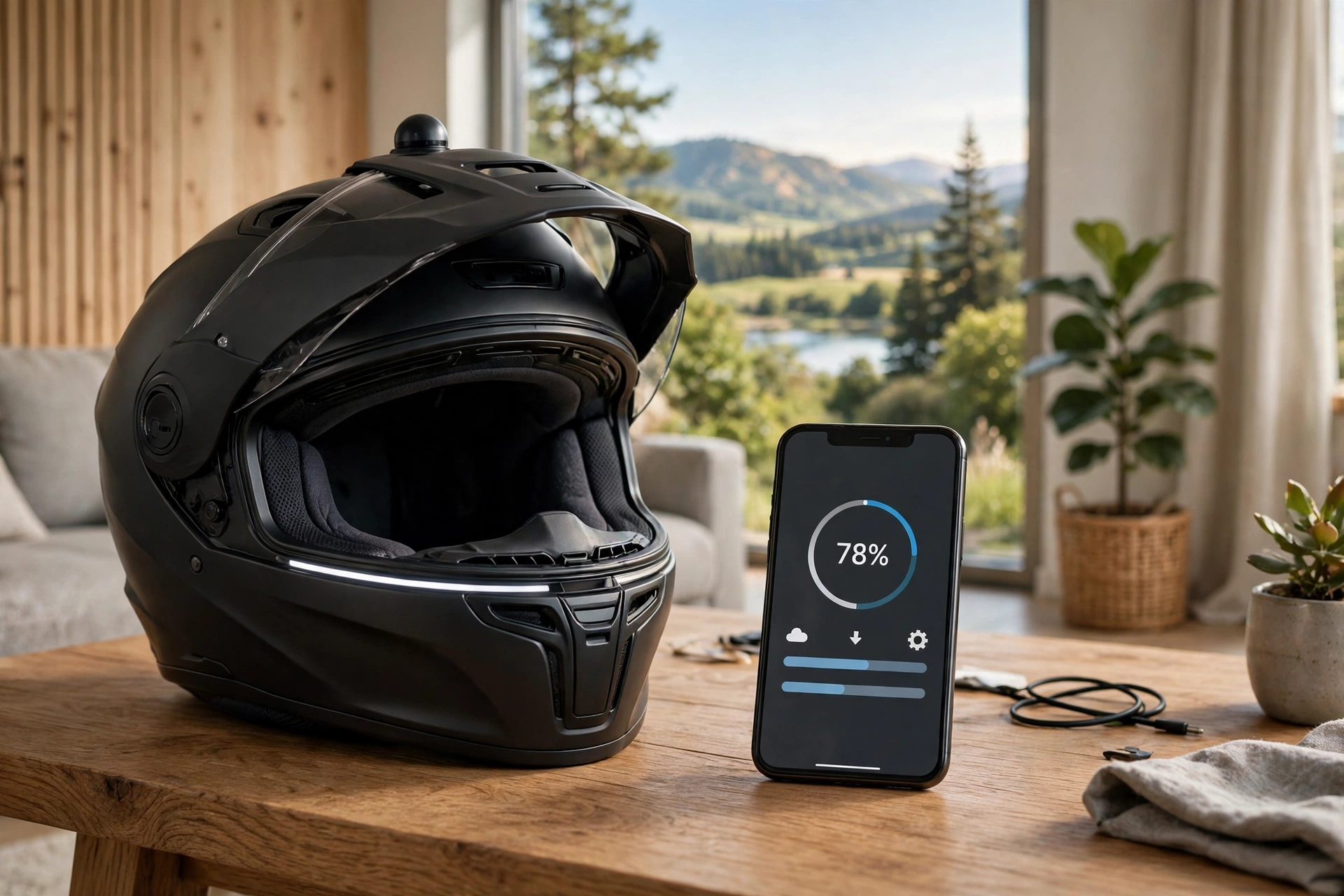
In general terms, updating smart helmet firmware means installing the maker’s latest software onto the helmet’s electronics, usually through a phone app over Bluetooth, and it is worth doing because updates fix bugs, improve battery life, and sometimes add features. The process is usually simple, but it needs a charged helmet, a stable connection, and patience.
Smart helmets pack speakers, microphones, Bluetooth, and sometimes lights, cameras, or crash sensors into a normal-looking shell. All of that runs on software, and like any software, it gets updates. Ignoring those updates can leave you with glitches the maker has already fixed — or with features you paid for but never received.
Why Do Smart Helmets Need Firmware Updates?
Firmware updates fix problems discovered after the helmet shipped. Bluetooth pairing glitches, audio dropouts, voice assistant quirks, and battery drain are all common early issues that updates address. If your helmet behaves oddly, an update is often the first fix worth trying before assuming the hardware is faulty.
Updates also improve performance and add features. A maker might improve noise cancellation, extend battery life, refine crash detection, or add compatibility with a new phone or app version. Some updates even unlock features that were not ready at launch, so a helmet can genuinely get better over time.
There is a safety angle too. Crash detection and emergency alert features depend on software behaving correctly, and an update may refine how those features trigger or communicate. Keeping firmware current is a small part of keeping the helmet’s safety features working as designed, alongside the physical checks of fit, straps, and shell condition.
What Do You Need Before Updating?
Charge the helmet first. Most makers recommend a good charge level before updating, because a helmet that dies mid-update can be left in a broken state. Plug it in, or at least confirm it has plenty of charge, before you start.
Update the companion app as well. Firmware updates are usually delivered through the maker’s phone app, and an old app version may not offer the newest firmware, or may fail partway through. Check your app store for app updates before starting the firmware update.
Set yourself up for a stable connection. Keep the phone close to the helmet, avoid starting the update in a place with heavy Bluetooth interference, and do not plan to ride off mid-update. An update usually takes a few minutes, during which the helmet and phone need to stay connected and undisturbed.
How Do You Update Smart Helmet Firmware Step by Step?
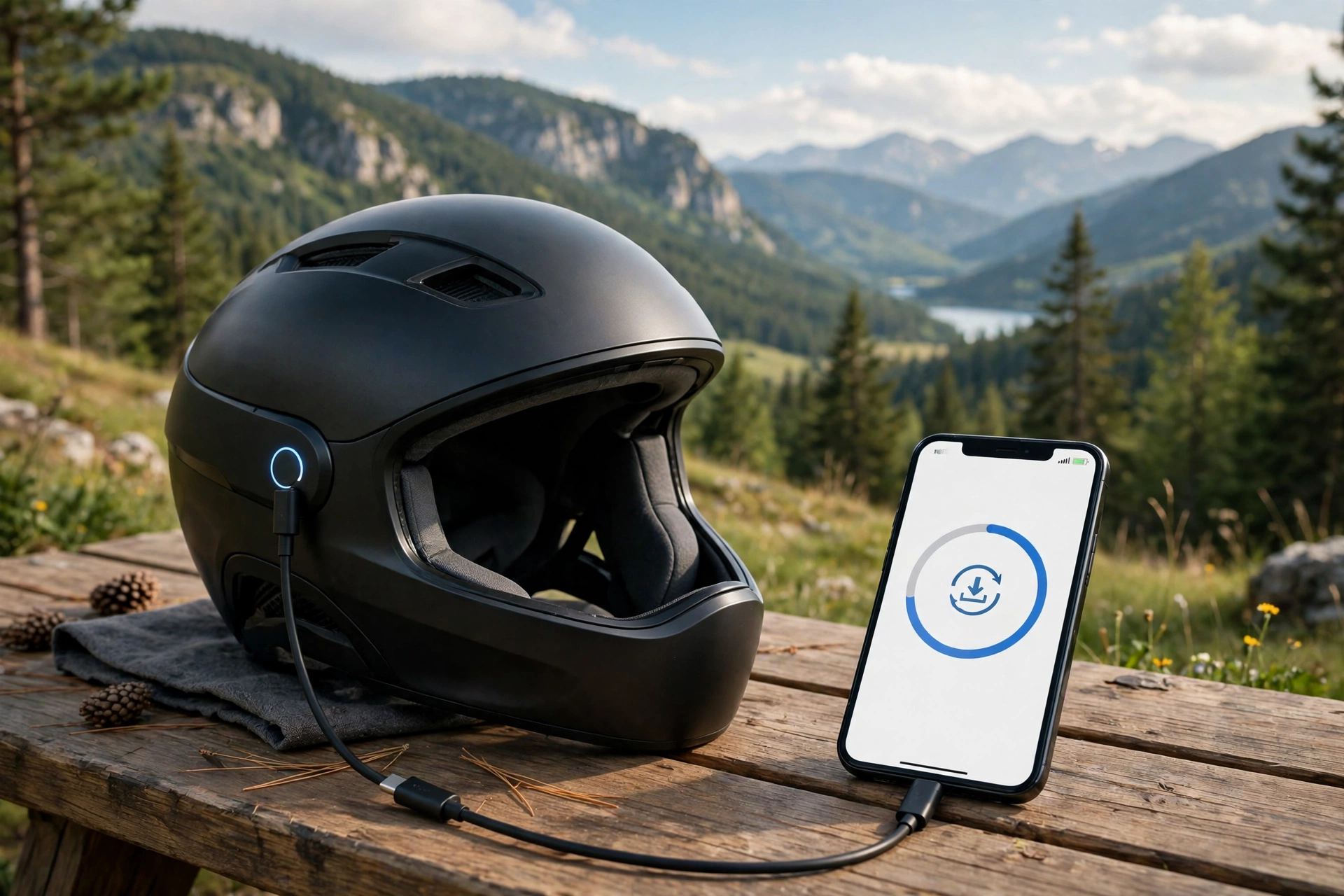
Start by opening the maker’s companion app and connecting the helmet over Bluetooth. The app usually shows the helmet’s current firmware version and, if an update is available, offers it with a short description of what it changes. Read that description — it tells you whether the update fixes something you care about.
Follow the app’s prompts to download and install the update. Typically the phone downloads the update file first, then transfers it to the helmet, then the helmet installs it and restarts. Do not turn the helmet off, close the app, or walk away with the phone during the transfer. Some apps show a progress bar; others simply say the update is in progress.
When the helmet restarts, reconnect it in the app and confirm the new firmware version is shown. Test the basics before your next ride: play audio, try a call or voice command if your helmet supports them, and check that lights or sensors behave normally. A quick test at home beats discovering a problem on the road.
If your helmet has no app, check the maker’s website for update instructions. Some helmets update over a USB cable with a computer tool, and some need a dealer or service centre for updates. The method varies by maker, so the manual or support pages for your exact model are the authority.
What If the Update Fails or Stalls?
First, stay calm and do not force a restart unless the app tells you to. Many updates look stalled during the transfer or installation phase, and interrupting them is what causes problems. Give it longer than you expect, especially if the app gives no progress indicator.
If the update clearly fails, restart the process cleanly. Close and reopen the app, forget and re-pair the helmet in your phone’s Bluetooth settings if the maker advises it, confirm the charge level, and try again. A second attempt often succeeds where the first failed, especially if the first failure was a connection drop.
If the helmet will not turn on or respond after a failed update, contact the maker’s support before attempting resets you found online. Some helmets have a specific recovery mode, and some need a service procedure. Document what happened — the app version, the firmware version, and where the update stopped — since support will ask for those details.
How Often Should You Check for Updates?
Check every few months, or whenever the helmet behaves oddly. Most companion apps notify you when an update is available, but notifications can be missed, especially if you use the helmet seasonally. A quick check at the start of a riding season is a sensible habit.
Do not update the night before an important ride unless you have time to test afterwards. Updates occasionally change settings or introduce new quirks, and discovering them on a long ride is frustrating. Update when you have time to test, not when you are in a rush.
Keep the habit proportionate. Firmware updates are maintenance, not an obsession — a few minutes a few times a year keeps the helmet current. Combine it with the physical checks that matter just as much: fit, strap condition, liner condition, and overall protection, including systems for angled impacts, as explained in this guide to what MIPS means for helmets. Software and shell together make a smart helmet worth wearing.
Frequently Asked Questions
Q: Will a firmware update erase my helmet’s settings?
A: In general terms, no — updates usually preserve your settings, but some updates reset preferences. Note your key settings before updating so you can restore them quickly if needed.
Q: Can I update a smart helmet without the maker’s app?
A: It depends on the model. Most smart helmets update through their companion app, while some use a USB tool from the maker’s website. Check your model’s manual for the supported method.
Q: Is it safe to ride during a firmware update?
A: No — do not ride during an update. The helmet may restart, lose audio, or behave unpredictably while updating. Complete the update and test the helmet before riding.

Olivia
Writer at Helmet Today, covering helmet reviews, fit and riding safety.