
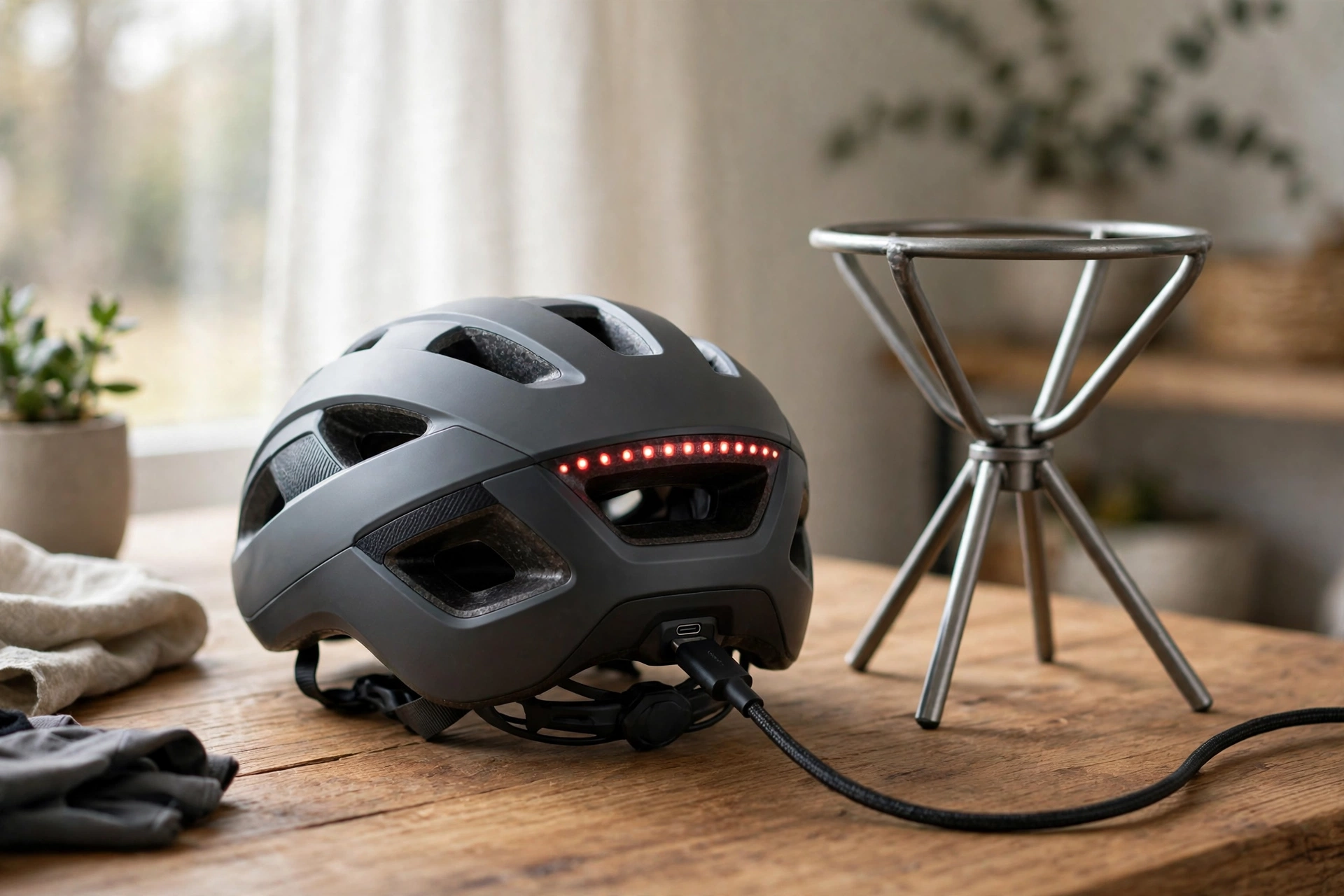
To charge a smart e-bike helmet, use the cable and charger supplied with it, plug it in indoors away from heat and moisture, and unplug it once it is fully charged. For storage, keep the helmet in a cool, dry place out of direct sunlight, with the electronics switched off and the battery neither fully flat nor left on charge for weeks.
Smart helmets add lights, turn signals, speakers, or crash sensors to the usual shell and foam, and all of those features need power. The battery is usually small and built into the helmet, which makes charging simple but also means you cannot just swap in a fresh cell on the road. A few good habits will keep the electronics working, protect the battery, and make sure the helmet is ready when you need it.
How Do You Charge a Smart Helmet Correctly?
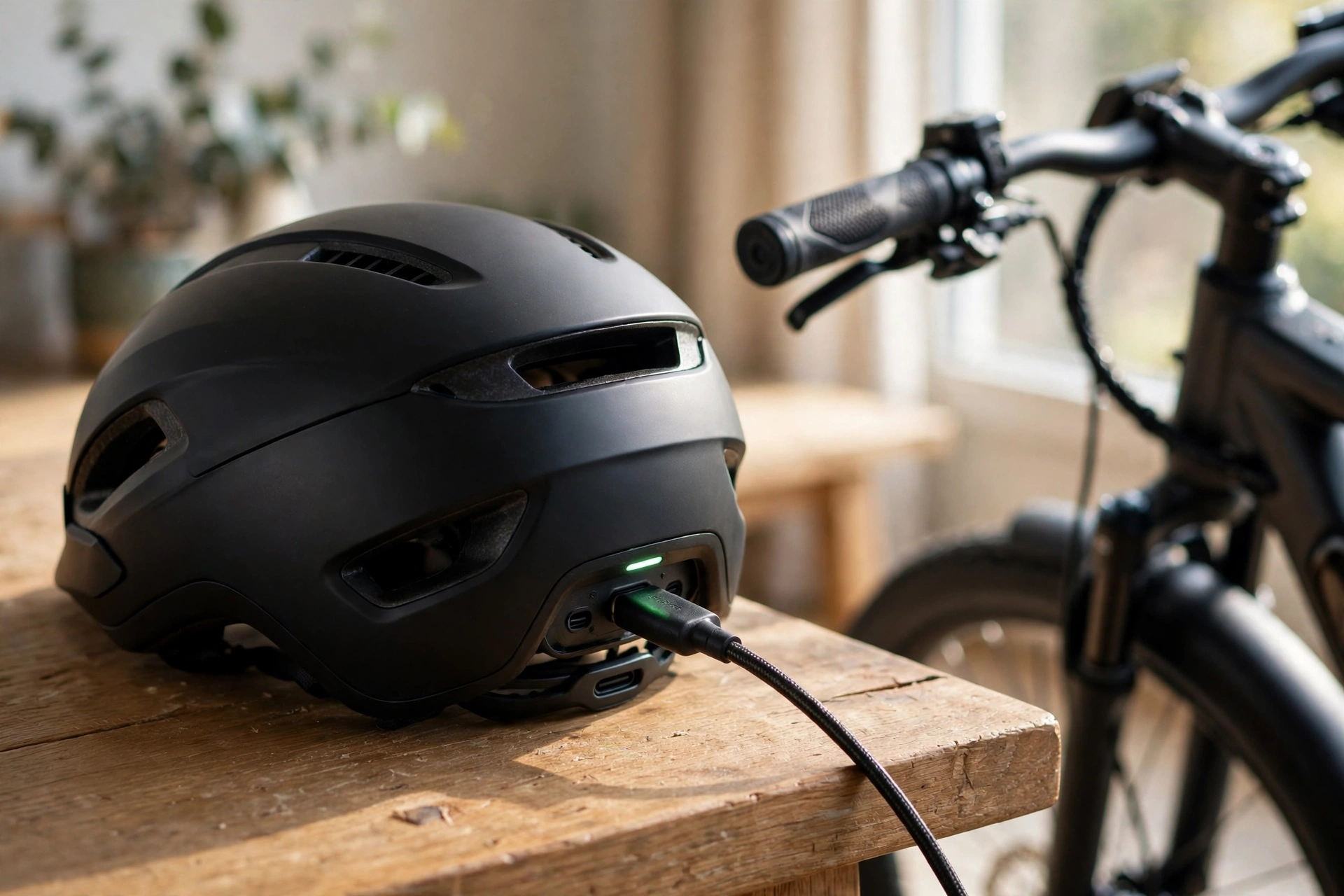
Start with the manufacturer’s instructions for your exact model, since charging ports, cables, and indicator lights differ. In general terms, most smart helmets charge over USB, and many makers recommend a standard low-power USB port, such as a computer port or a basic phone charger, rather than a high-power fast charger. Using the supplied cable matters too: a damaged or off-brand cable can charge unreliably or damage the port.
Charge indoors, on a stable surface, where you can keep an eye on it. Do not charge a helmet in a damp garage, in direct sun, or next to a heater, and do not leave it charging overnight every night out of habit. Most helmets show charging progress with a light that changes colour or turns off when full; unplug the helmet once that happens rather than leaving it connected for days.
How Often Should You Charge a Smart Helmet?
How often you charge depends on which features you use. Rear lights and occasional turn signals sip power, while speakers, Bluetooth, and bright light modes drain the battery much faster. In general terms, a helmet used for a daily commute with lights on may need charging every few rides, while one used occasionally with lights off may last much longer between charges.
The best routine is to top up after your rides rather than waiting for a low-battery warning mid-journey. Check the battery indicator before you set off, especially if you rely on the helmet’s lights for visibility. Running the lights flat on a dark road defeats the purpose of having them, so treat a pre-ride battery check as part of the same habit as checking your brakes and tyre pressure.
Avoid letting the battery sit fully empty for long stretches. Small rechargeable batteries can lose capacity if they are left flat for months, so if you know you will not ride for a while, charge the helmet partway before putting it away and top it up now and then during the break.
Where Is the Best Place to Store a Smart Helmet?
Store a smart helmet indoors, in a cool, dry place out of direct sunlight, ideally on a shelf or hook where it will not be knocked around. Heat is the main enemy: a hot car, a sunny windowsill, or a radiator can damage both the foam and the battery. Cold, damp garages are not ideal either, since moisture can corrode charging ports and buttons over time.
Keep the helmet switched off in storage so the electronics do not drain the battery slowly. If your helmet has removable pads, make sure they are dry before storing it, since trapped moisture can smell and can damage the liner. Do not hang the helmet by its straps for long periods, and do not stack heavy gear on top of it, because pressure can dent foam and stress the electronics housing.
For longer breaks, such as over winter, a partial charge is better than either extreme. In general terms, storing the battery around half charge, then topping it up every month or so, helps preserve its life. Check the maker’s guidance if they give a specific storage level, since battery types differ.
How Do You Look After the Electronics and Sensors?
Smart features only help if they keep working, and they are more delicate than the shell around them. Keep the helmet dry in heavy rain where you can, wipe it down after wet rides, and never submerge it or hose it down. Buttons and ports can be cleaned gently with a soft, dry cloth; avoid sprays, solvents, and compressed air, which can force moisture or dirt deeper inside.
Software matters too. If your helmet pairs with a phone app, keep the app and the helmet firmware updated when the maker releases updates, since these often fix bugs in lights, signals, or crash detection. Pairing problems are usually solved by the classic steps: forget the device in your phone’s Bluetooth settings, restart both devices, and pair again from scratch.
Crash sensors deserve special care. If your helmet has fall or crash detection, make sure the app permissions and phone connection it needs are actually set up before you ride, not after an incident. And remember the basic rule that applies to every helmet, smart or not: after any significant impact, replace the helmet, even if the electronics still switch on. The safety systems inside, including liners like the one explained in our guide to what MIPS means for helmets, are designed to work once, and visible electronics are no guarantee the foam is still sound.
What Charging and Storage Mistakes Should You Avoid?
The most common mistake is treating a smart helmet like a phone and leaving it plugged in permanently. Constant charging keeps the battery at full voltage, which ages it faster, and it also means you may not notice a failing battery until it matters. Charge it, unplug it, and ride it.
Another mistake is using any random fast charger found in a drawer. High-power chargers are designed for devices that can negotiate that power, and a small helmet battery may not be built for it. When in doubt, use the supplied cable and a standard USB port, and check the maker’s instructions for your model.
Finally, do not ignore warning signs: a battery that swells, a helmet that gets unusually hot while charging, a port that smells odd, or a case that bulges. Stop using and charging the helmet, keep it away from flammable materials, and contact the maker. These signs are rare, but they are worth taking seriously rather than hoping they go away.
Frequently Asked Questions
Q: Can I ride while my smart helmet is charging?
A: No, do not ride with a charging cable attached. The cable can snag, the port can be damaged, and the helmet is not designed to be worn while plugged in. Charge before or after your ride, never during it.
Q: How long does a smart helmet battery last before it needs replacing?
A: In general terms, a built-in battery gradually holds less charge over time, and how fast that happens depends on use, charging habits, and heat exposure. Many makers do not offer a user-replaceable battery, so check the maker’s policy before buying if long-term battery replacement matters to you.
Q: Can I store a smart helmet in my garage over winter?
A: Only if the garage stays dry and does not get very hot or very cold. A cool, dry indoor spot is better. If the garage is your only option, bring the helmet inside for charging and top up the battery now and then during the break.

Olivia
Writer at Helmet Today, covering helmet reviews, fit and riding safety.